
Overview
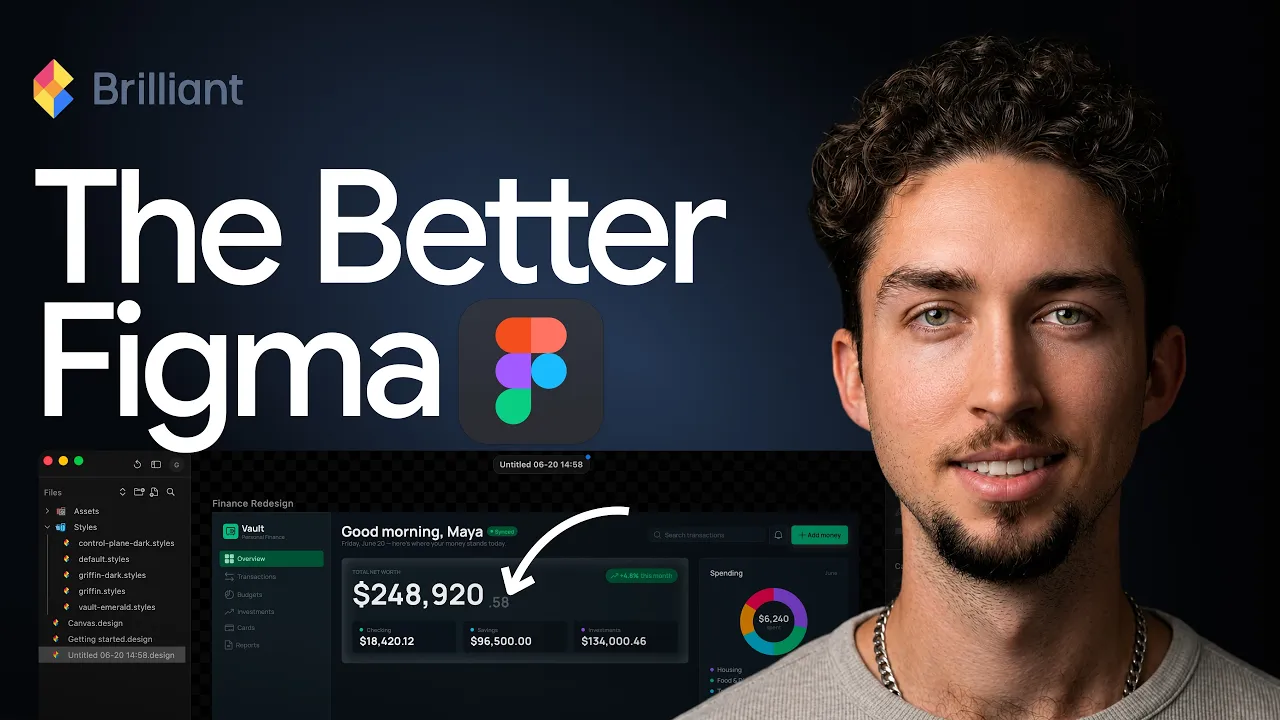
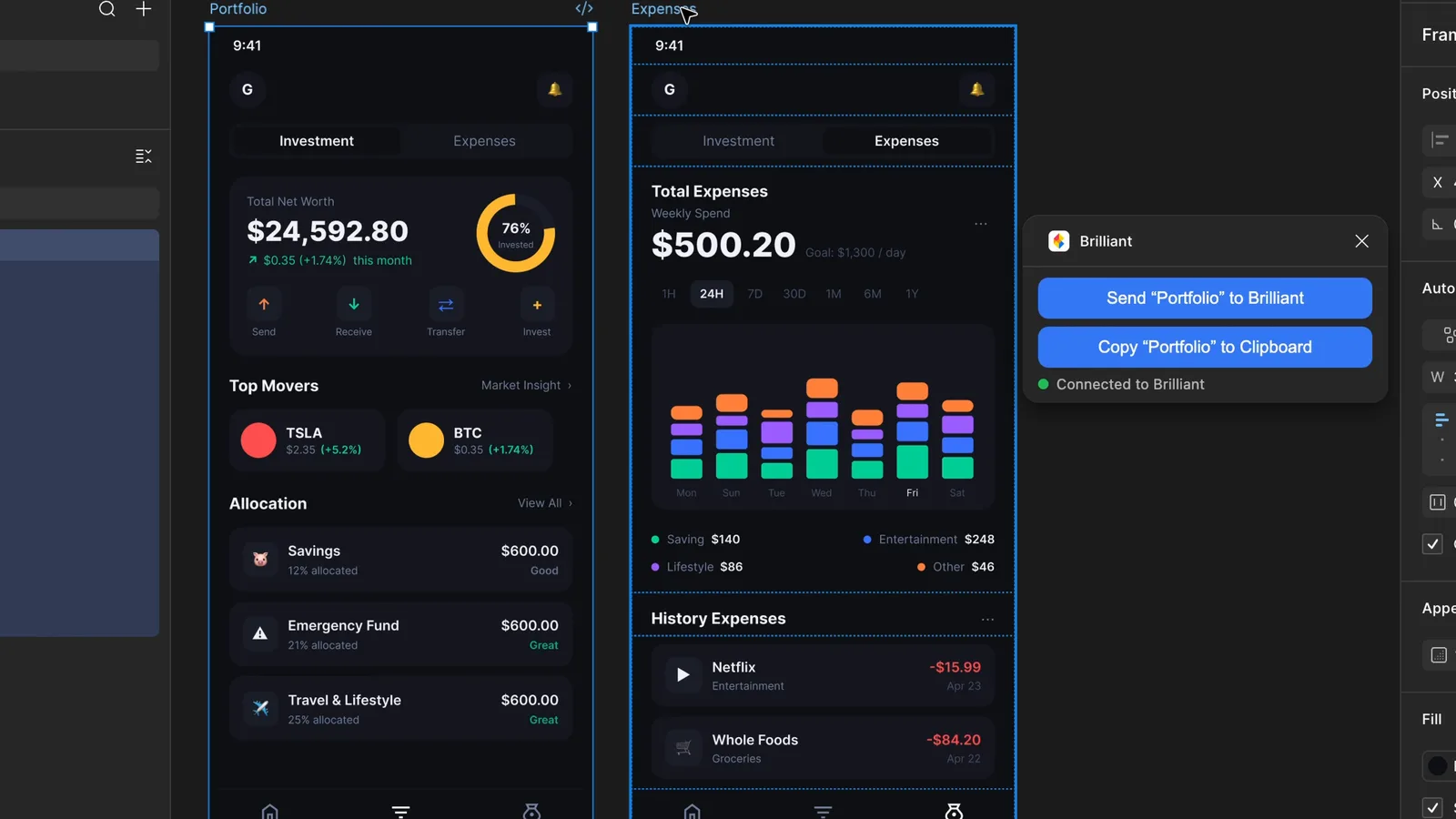
Figma is still the industry standard, but it was built before the AI era and it charges accordingly. Brilliant is a different bet: a free, AI-native design tool where agents work alongside you on the canvas and your files are plain text you can version with git. I tested it against Figma to see how real the alternative is. You can try it here: brilliant.design
This is the written version of my full comparison.
What is Brilliant, and what does it actually include?
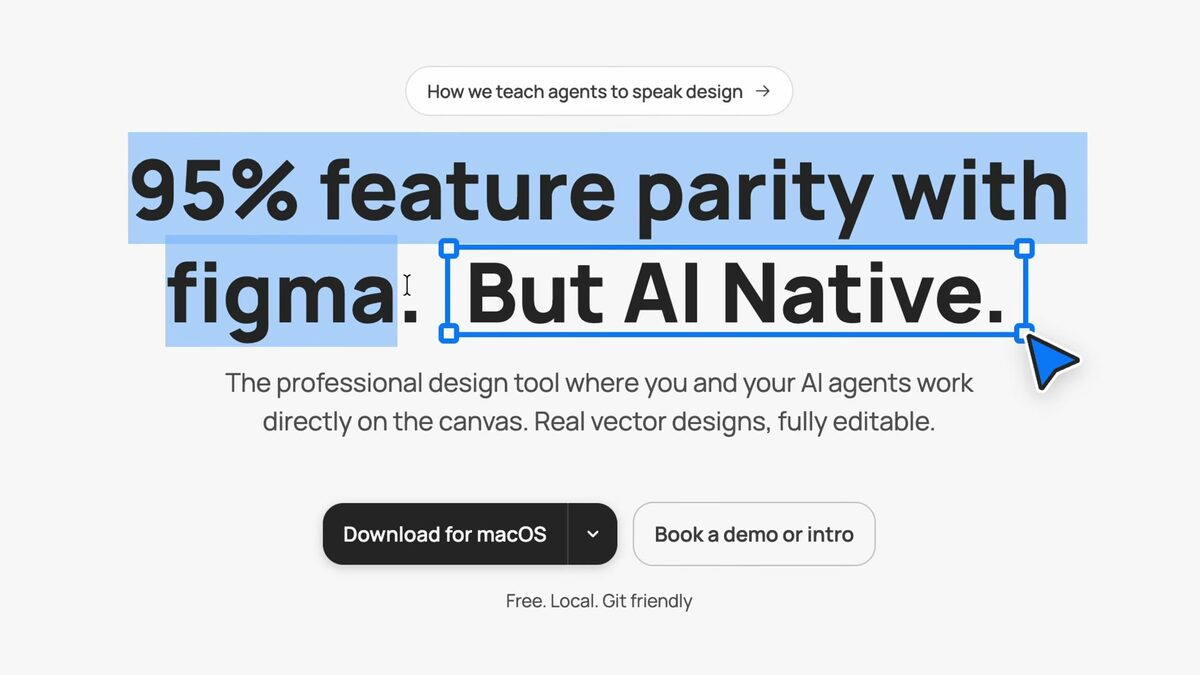
Brilliant is a free, AI-native design tool that covers most of what designers use Figma for day to day. The twist is that AI agents operate directly on the canvas with you, your files are plain-text and git-friendly rather than locked in a proprietary format, and there's no per-seat or Dev Mode paywall to work around.
It's built for how designers work now: with AI in the loop and code never far away.
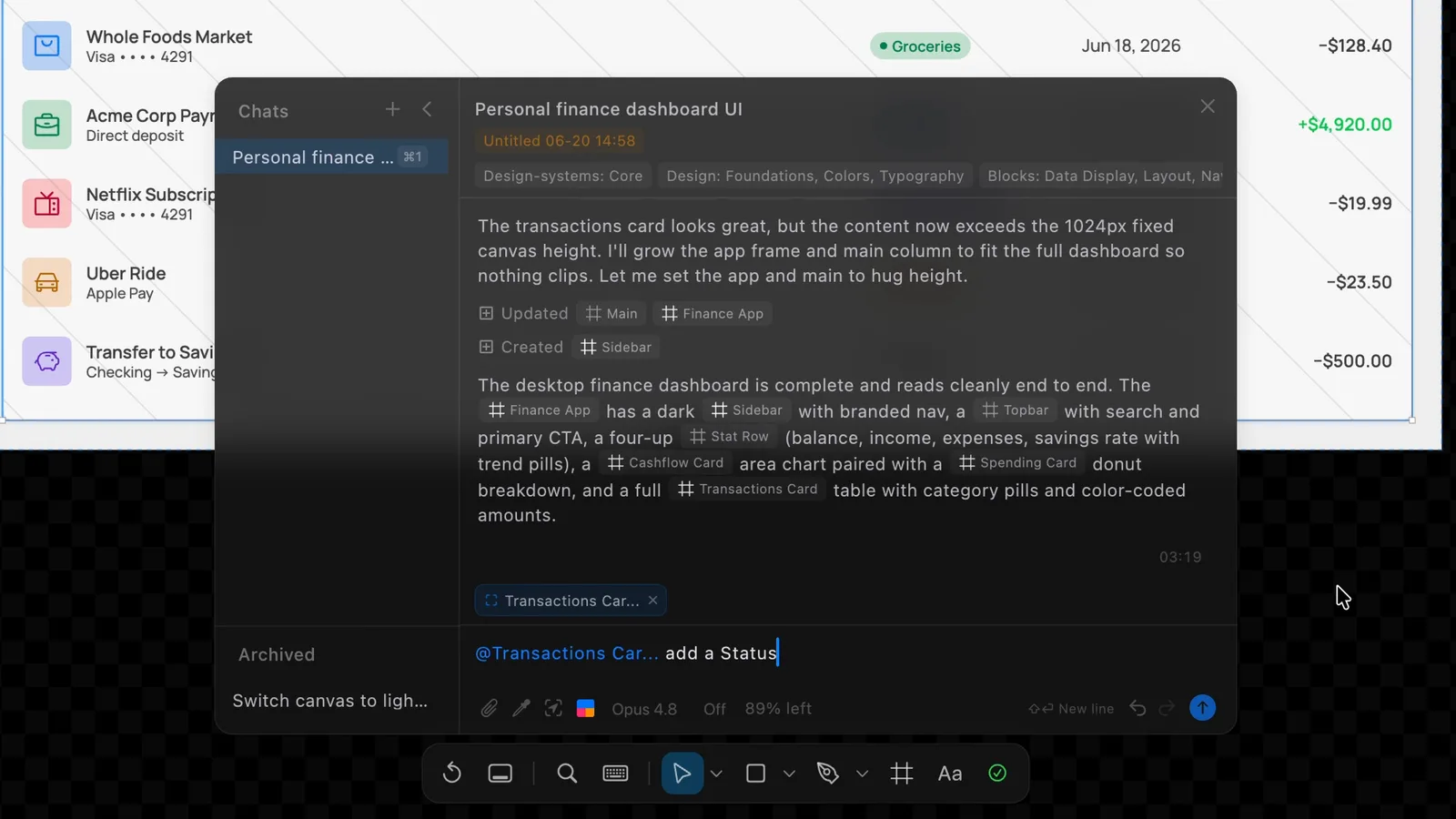
A few specifics from the product itself. Files are a plain-text format Brilliant calls Blueprint (.bl), which it says is around 20x more token-efficient than JSON, so an agent can read a whole file cheaply and the file diffs in a pull request like code. The built-in chat runs on Claude, OpenAI, Gemini, OpenRouter or a custom endpoint, and the MCP connects Claude Code, Cursor and Copilot. There is per-turn undo, so you can revert an agent's edit and keep your own. It runs on the web and as a macOS desktop app.
Exports cover PNG, JPEG, SVG, WebP, PDF, React, HTML, MP4 and MOV. The shader materials, liquid glass, metal and around fifty GPU presets, are the kind of thing that takes a plugin and a lot of patience in Figma.
Where does Brilliant beat Figma?
The headline is price: it's free, with no seat cost and no separate Dev Mode. Beyond that, it leans into being AI-native and developer-friendly, native GPU shaders, seven export formats, and unlimited MCP so your AI tools can plug straight in. If your workflow already runs through AI agents and code, that combination is hard to ignore.
For solo designers, small teams, and anyone tired of per-seat pricing, the math is compelling: brilliant.design
Pricing checked September 2026 against brilliant.design/pricing; the free plan is still the full tool with unlimited agents, and seat pricing can change.
Where does Figma still lead?
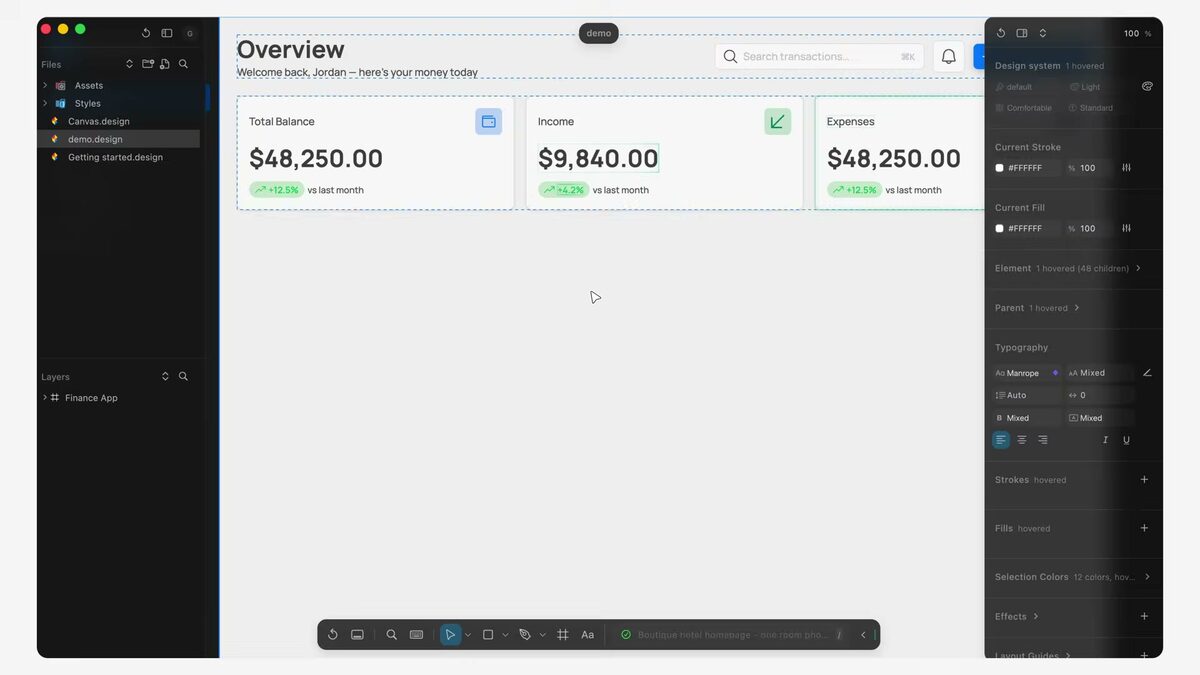
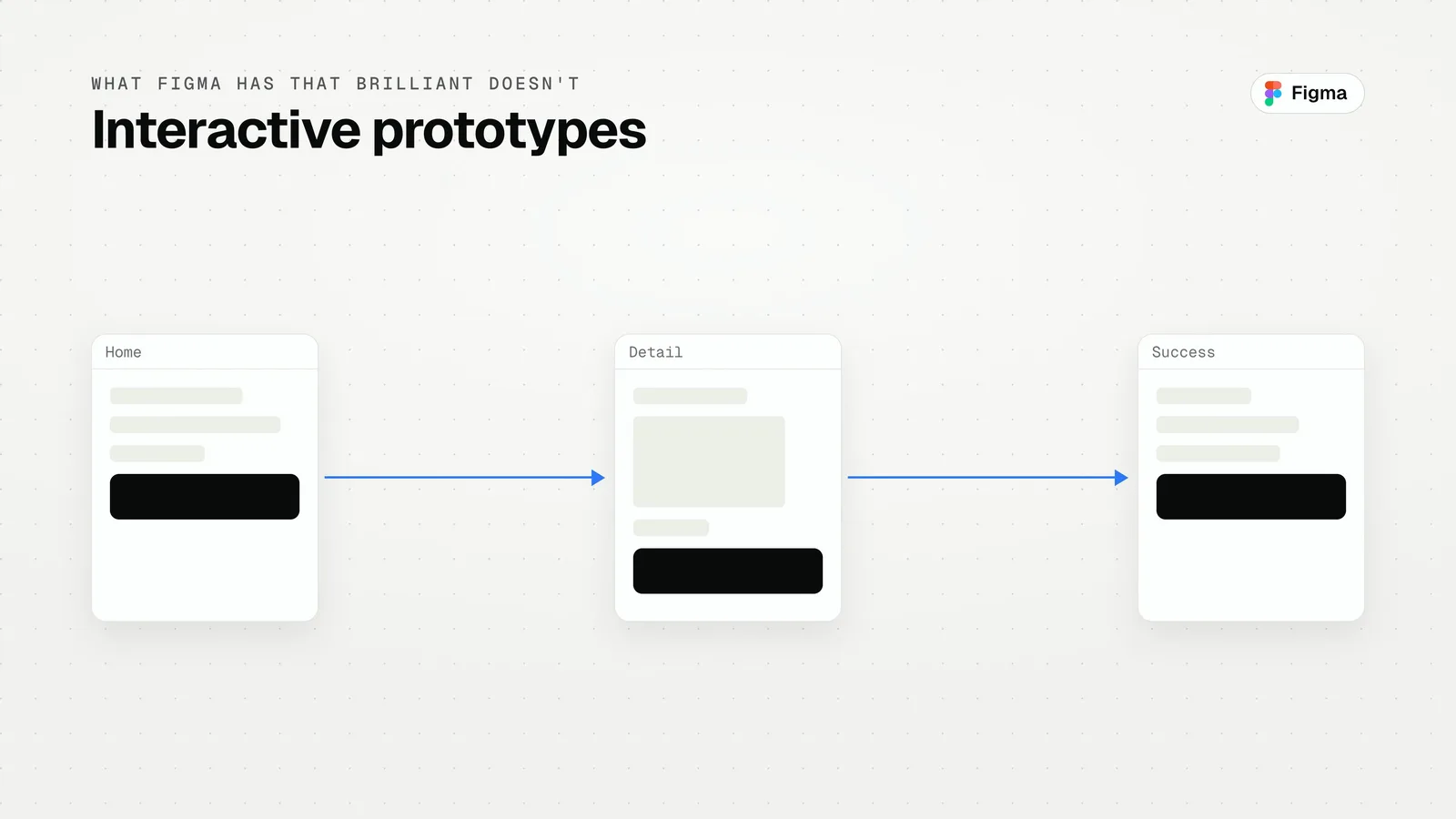
This isn't a clean sweep. Figma still leads on a few things that matter for bigger teams and complex work: component variants, interactive prototypes, and live multiplayer editing. If your process depends heavily on those, Figma remains the safer choice for now.
Update, September 2026: Brilliant's site now lists components with variants and per-instance overrides, and live collaborative editing. I have not retested either since the June comparison, so treat those two gaps as narrowing rather than closed. Interactive prototyping is still the clearest reason to keep a Figma seat.
The honest read: Brilliant is a real alternative for most everyday design and a clear win on cost and AI-nativeness, while Figma keeps the edge on advanced prototyping and collaboration.
One reason to keep Figma in the loop for now is handoff. When I go from a Figma frame to production code with an agent, the Figma MCP is what gives the agent real layout and token values: How to Turn a Figma Design into Code with AI Brilliant has MCP built in too, so the same reference-first setup applies, and I compared the servers worth connecting here: The Best MCP Servers for Designers (2026)
Should you switch from Figma to Brilliant?
If you're a solo designer or small team who works with AI and doesn't lean on advanced prototyping or multiplayer, Brilliant is genuinely worth switching to, and it's free to try. If you're on a large team living in component variants and live collaboration, keep Figma for now and watch this space. Either way, an AI-native, git-friendly, free tool is exactly the kind of shift worth paying attention to: brilliant.design
Brilliant is one piece of a fast-moving AI design stack; for the full map of tools and when each earns its place, see my complete guide: AI Design Tools for Designers (2026): The Complete Guide
How to try Brilliant in an afternoon
- Step 1: Open brilliant.design, create a file, and rebuild one screen you know well from a reference. That tests the canvas and auto layout.
- Step 2: Connect the MCP to Claude Code or Cursor and ask the agent to change the screen: swap the type scale, add a state, reflow for mobile. That tests the agent loop and per-turn undo.
- Step 3: Export to React or HTML and open it in your project. That tests whether the handoff is real.
If all three feel good, you have most of what you use Figma for. The reference-first approach I use for AI-built UI applies here unchanged: Stop Letting AI Design From Scratch: 5 UI Reference Sites
FAQ
Yes. It's free to use, with no per-seat cost and no separate Dev Mode paywall.
For most everyday design work, yes, it covers roughly 95% of what Figma does. Figma still leads on component variants, interactive prototypes, and live multiplayer.
AI agents work directly on the canvas with you, files are plain-text and git-friendly, and it supports unlimited MCP so your AI tools connect straight in.
Solo designers and small AI-focused teams should seriously consider it. Large teams reliant on advanced prototyping and multiplayer should stay on Figma for now.
Yes. Its MCP connects to Claude Code, Cursor and Copilot, and the built-in chat can run on Claude, OpenAI or Gemini models.
A plain-text format called Blueprint (.bl) that diffs in pull requests and branches like code. Brilliant says it is around 20x more token-efficient than JSON for agents.