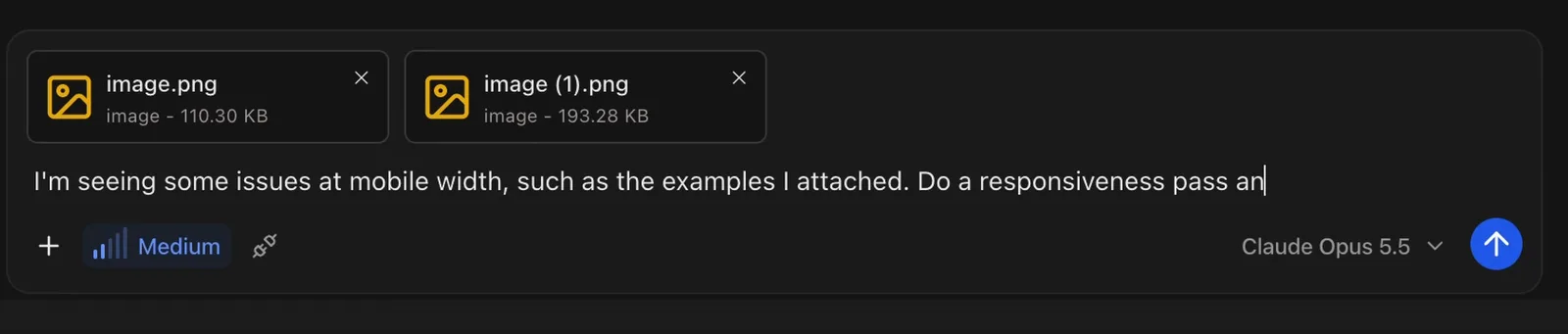
The portfolio I built
Watch the video above for the complete portfolio-building workflow, then copy the three customizable prompts below.
Use the prompts in order in the same Julius project. Replace the bracketed placeholders with your name, role, project filenames, and preferred colors. Attach your portfolio content and project images for the first prompt, your hero image for the redesign, and screenshots of any mobile issues for the final pass.
Disclosure: The accompanying Julius video is sponsored by Julius.
1. Copy the portfolio build prompt
In the video: 2:08.
Start with the page structure, supplied content, and project images.
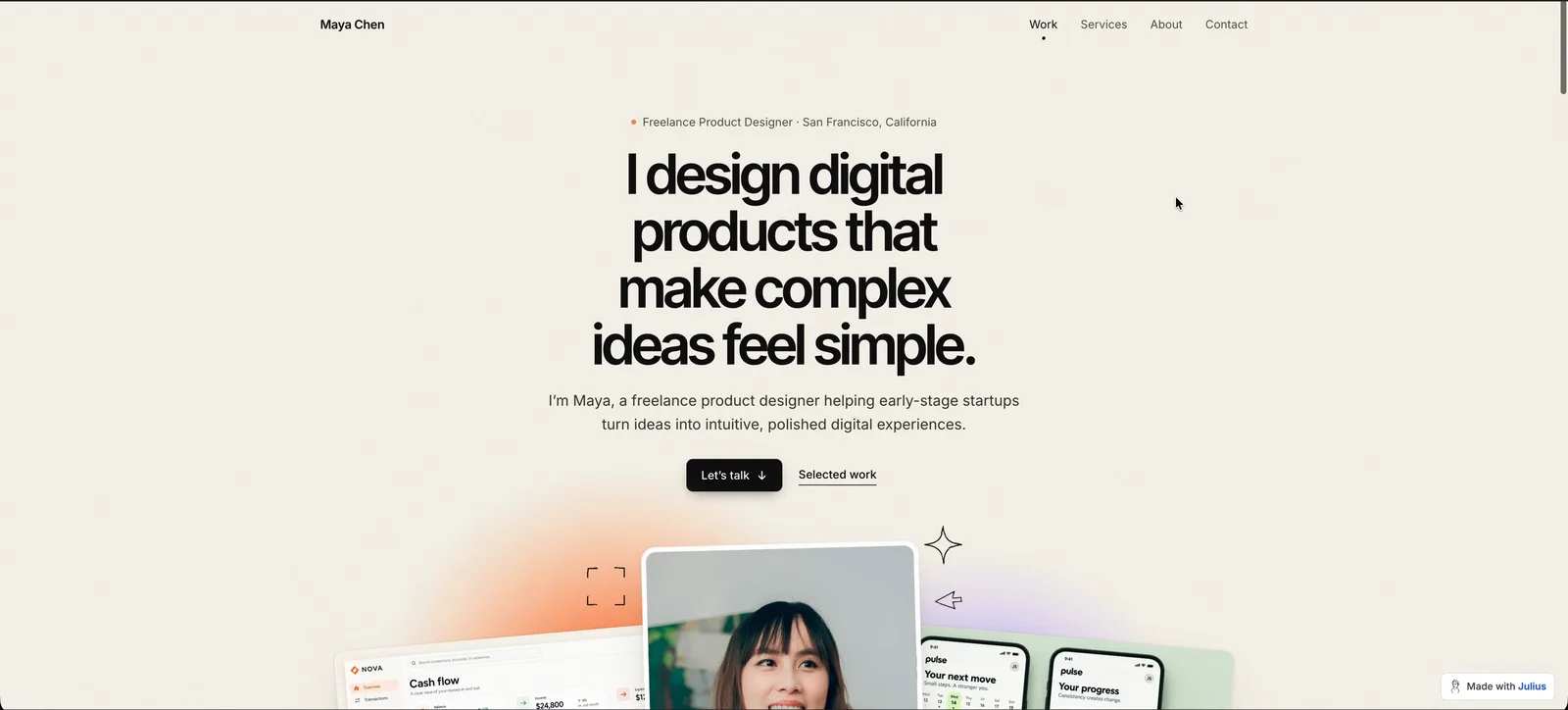
Create a responsive one-page portfolio for [YOUR NAME], a [YOUR ROLE OR SPECIALTY], using the attached content and project images. Include a hero, selected work, services, about, and contact, with navigation between sections.

Use an off-white background, dark text, [ACCENT COLOR] accents, large typography, generous whitespace, and subtle borders. Make the project imagery prominent.

Match each project's images by their exact filenames:
- [PROJECT 1 NAME]: [PROJECT 1 IMAGE FILENAMES]
- [PROJECT 2 NAME]: [PROJECT 2 IMAGE FILENAMES]
- [PROJECT 3 NAME]: [PROJECT 3 IMAGE FILENAMES]
Add or remove entries to match the supplied projects. Do not assume every project has the same number of images.

Make the hero “Let’s talk” button and Contact navigation scroll to the Contact section using #contact. Use only the contact details or contact links I supply. If none are supplied, ask me for them rather than inventing any. Do not add a submission form.

Use only the supplied portfolio facts. Do not invent testimonials, clients, awards, or project results.

Portfolio type: [REAL PORTFOLIO OR FICTIONAL SAMPLE]. If this is a fictional sample, add a discreet footer note identifying it as such. Do not label a real portfolio as fictional.
2. Copy the visual refinement prompt
In the video: 5:02.
Continue in the same project to change the art direction while keeping the existing content and images.
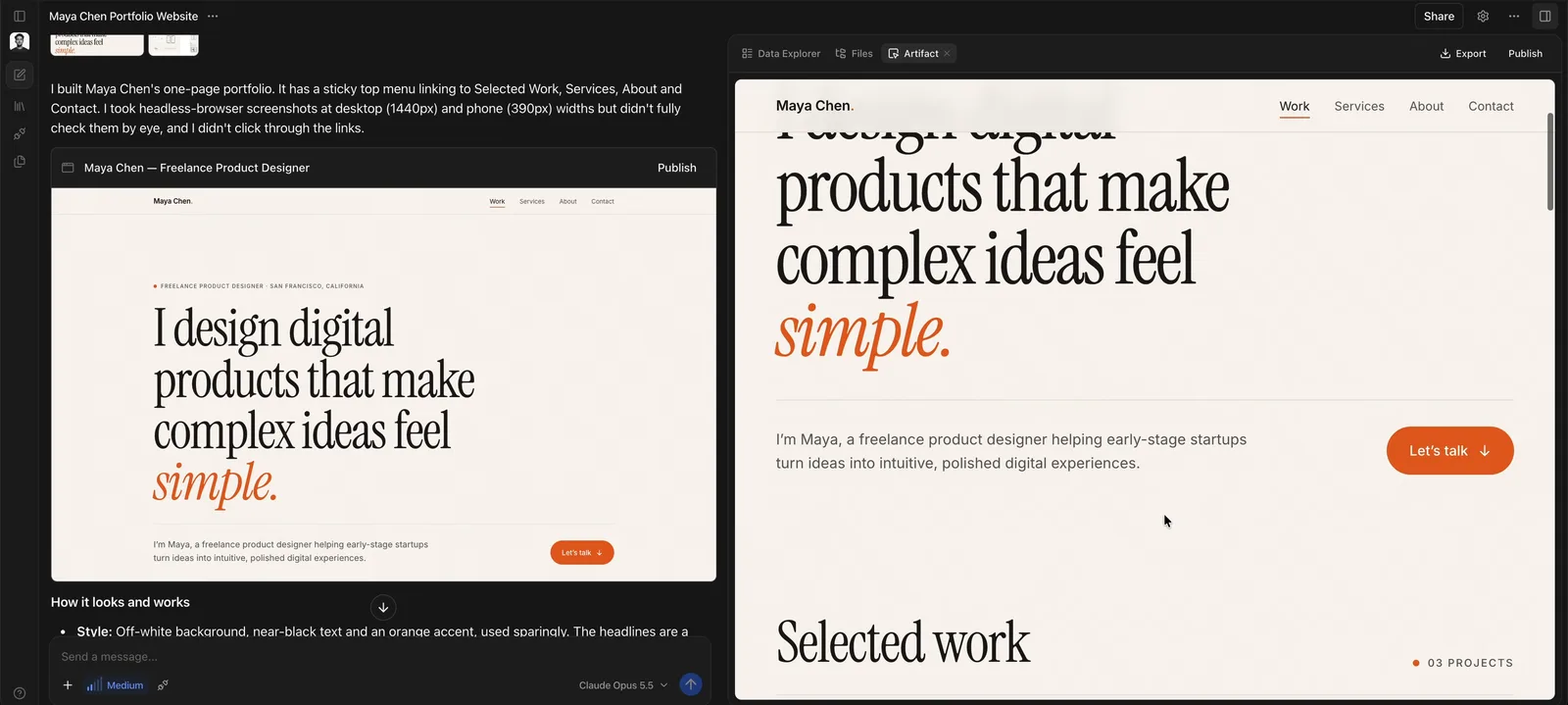
Redesign my portfolio with a warm off-white background, tightly spaced black sans-serif headlines, a centered hero, understated navigation, and compact black buttons. Add soft, grainy [PRIMARY ACCENT COLOR] and [SECONDARY ACCENT COLOR] color clouds behind large floating project images, paired with playful black hand-drawn illustrations related to [YOUR ROLE OR SPECIALTY].

Carry this style throughout the page with layered image compositions, generous spacing, subtle depth, and gentle reveal animations. Keep all my existing project images and content, maintain readable images and screenshots, and preserve mobile usability and #contact navigation.

Also include the attached [HERO IMAGE FILENAME] in the hero. Preserve the image's proportions and keep its main subject visible.
3. Copy the mobile layout prompt
In the video: 6:48.
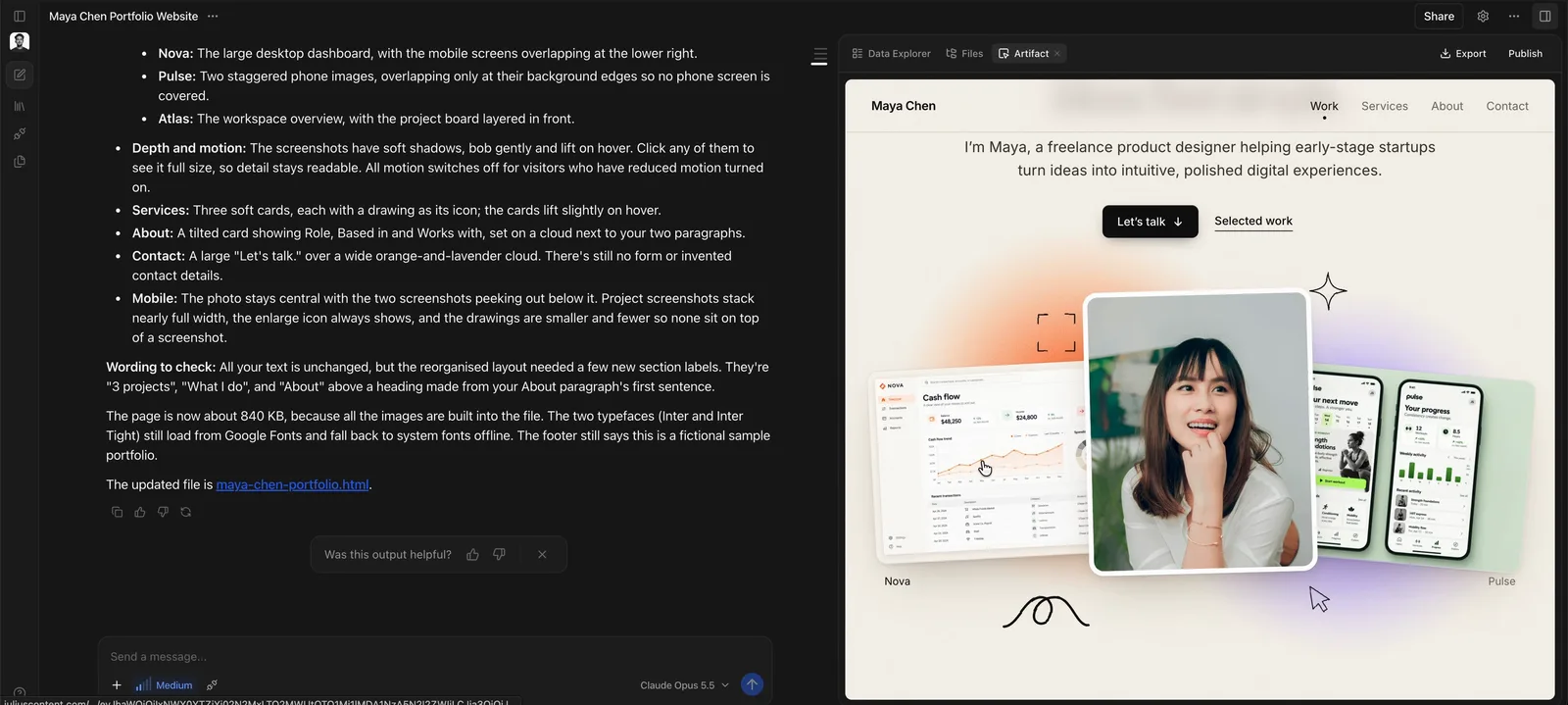
Use this after reviewing the page at mobile widths and attaching examples of the problems.
I'm seeing some issues at mobile width, such as the examples I attached. Do a responsiveness pass and address the issues you find while maintaining a good desktop layout as well.