
Overview
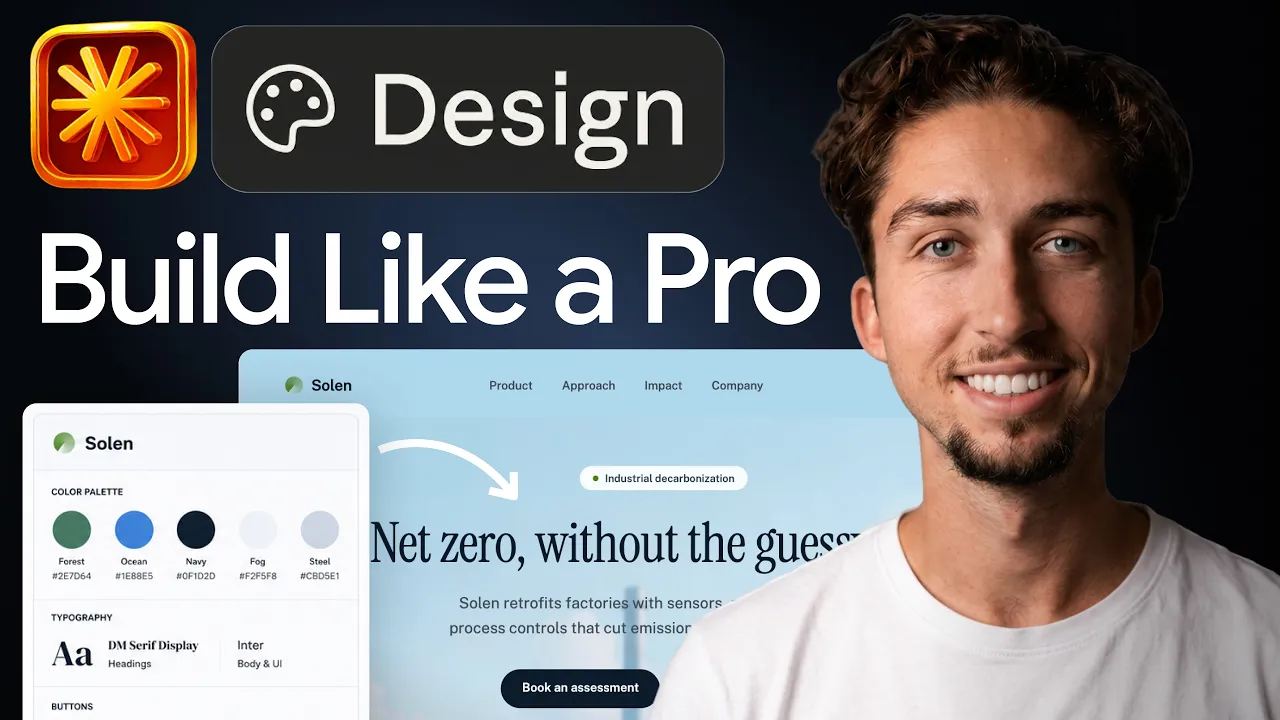
If you've used Claude to write or code, Claude Design applies the same idea to interfaces: you work in plain language and Claude produces the real thing, not a static picture of it. It's one of the most beginner-friendly ways into AI-native design because there's almost no tooling to learn first. This is the written version of my full walkthrough.
Let's cover what it is, then how to use it well.
What is Claude Design?
Claude Design launched on April 17, 2026 as a research preview from Anthropic Labs and is now in beta. Instead of dragging rectangles on a canvas, you describe the screen, flow, deck or one-pager you want and Claude generates a real, working version you can preview, edit and iterate on. At launch it ran on Claude Opus 4.7's vision model, and it is available to Claude Pro, Max, Team and Enterprise subscribers (Enterprise admins have to switch it on).
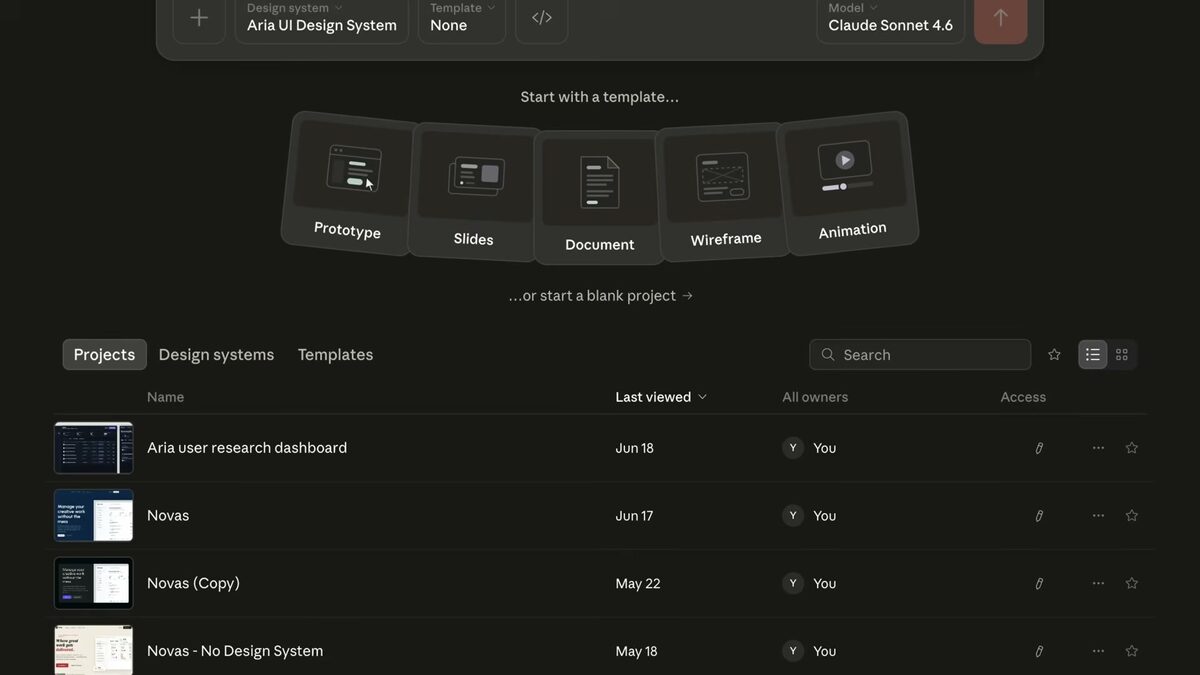
It produces more than UI. Interactive prototypes, wireframes, pitch decks, marketing one-pagers and code-powered prototypes with voice, video and 3D are all in scope. For beginners that is the appeal: you do not need to master a complex interface before you can make something good.
Availability, plans and exports checked September 2026 against Anthropic's launch post and the Claude Design support article (updated August 2026); the beta can change.
How do I get started with Claude Design?
- Step 1: Open Claude Design from claude.ai on a Pro, Max, Team or Enterprise plan.
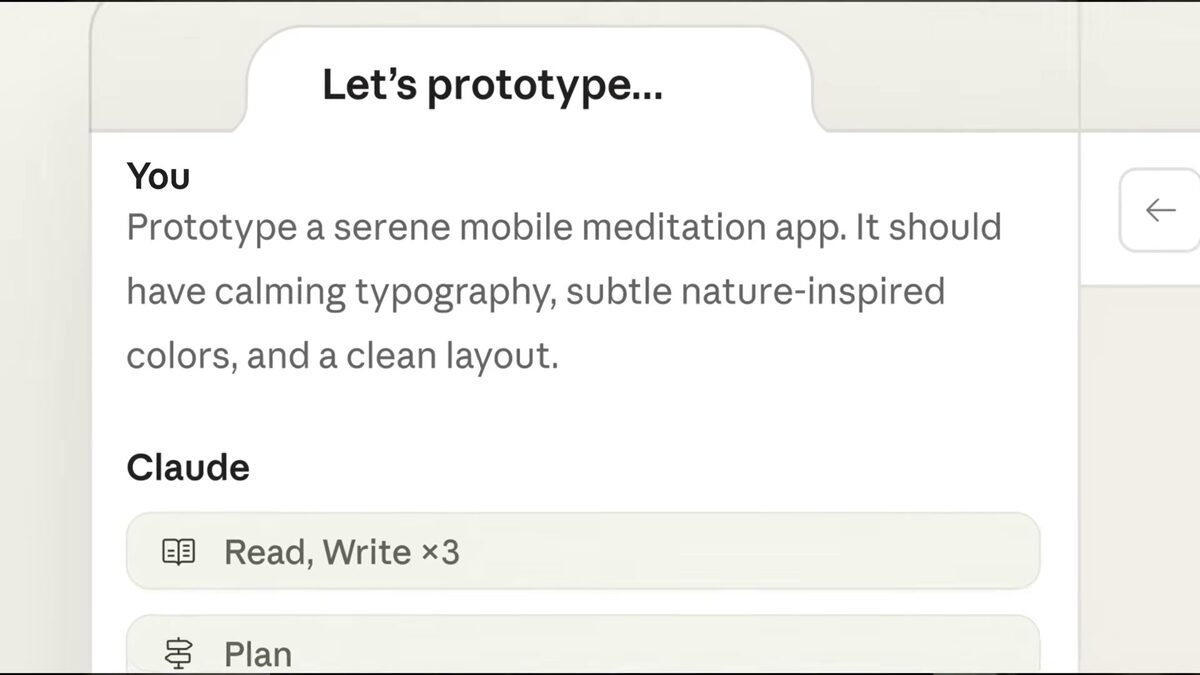
- Step 2: Describe one screen you can picture clearly: what it is for, who uses it, and the elements it must contain. Paste real content if you have it.
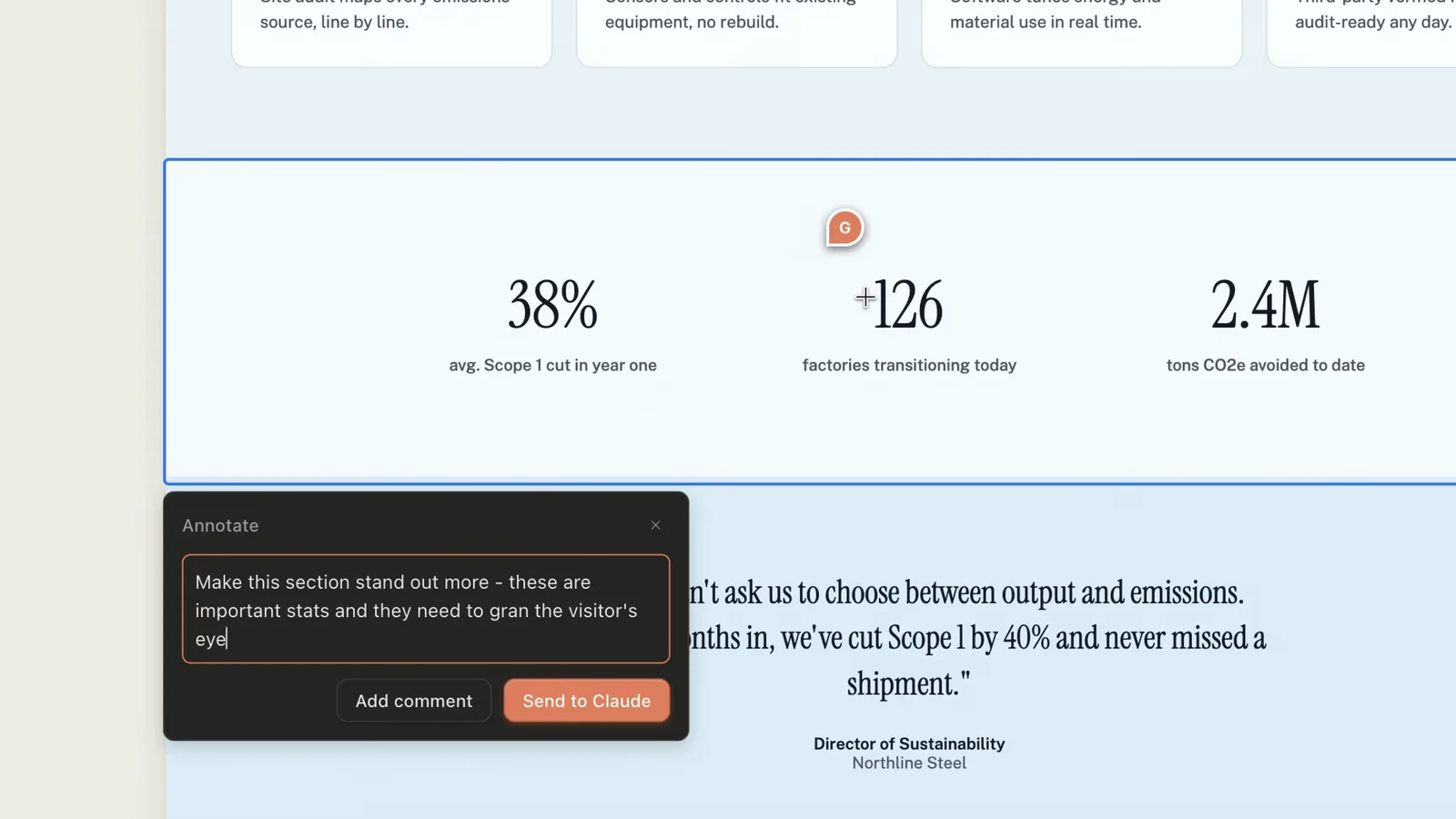
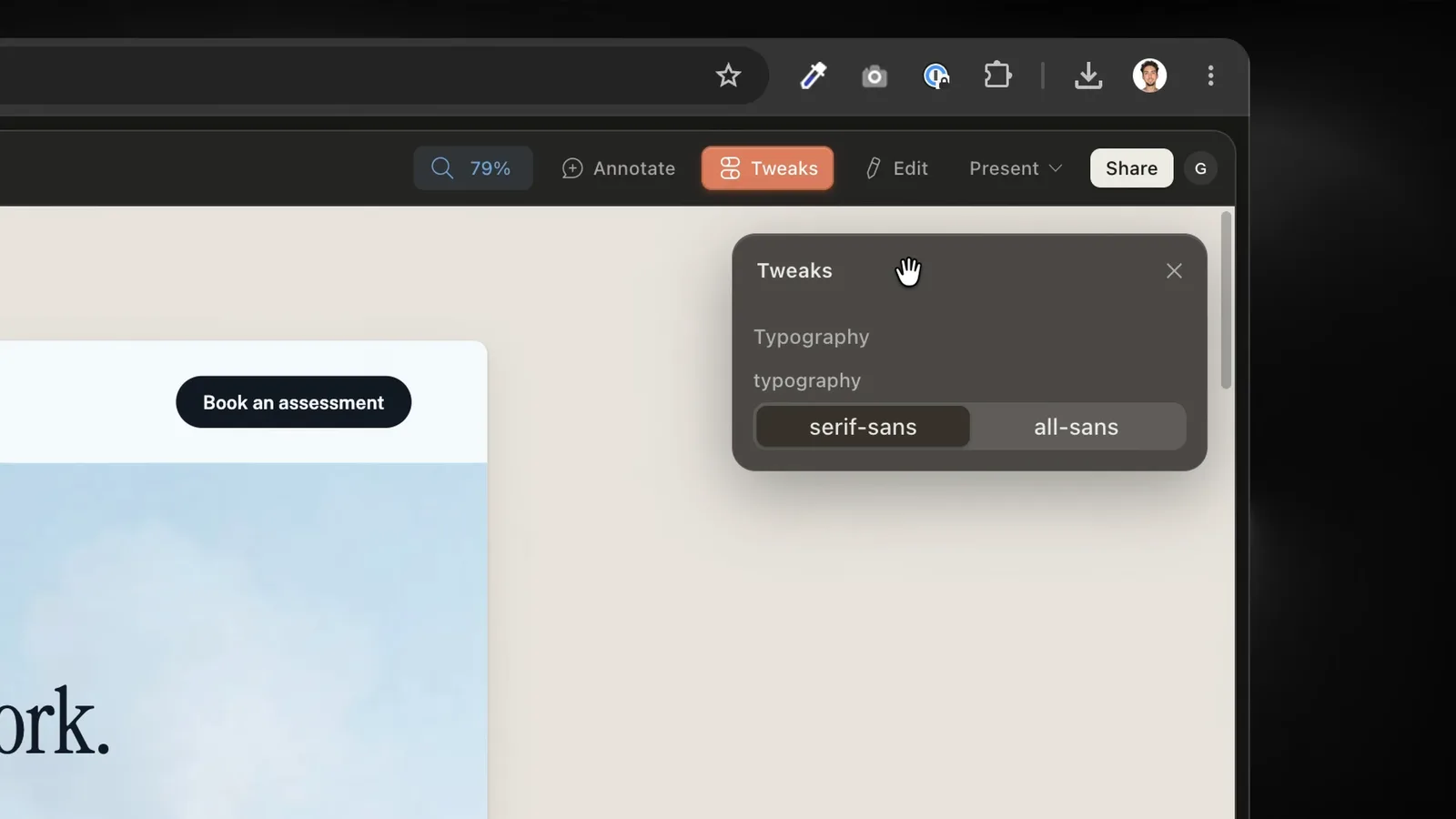
- Step 3: Review the first version the way you would review a junior designer's work. Comment inline on specific elements, edit text directly, or use the adjustment knobs Claude generates for spacing, color and layout.
- Step 4: Build up section by section, one specific change per turn.
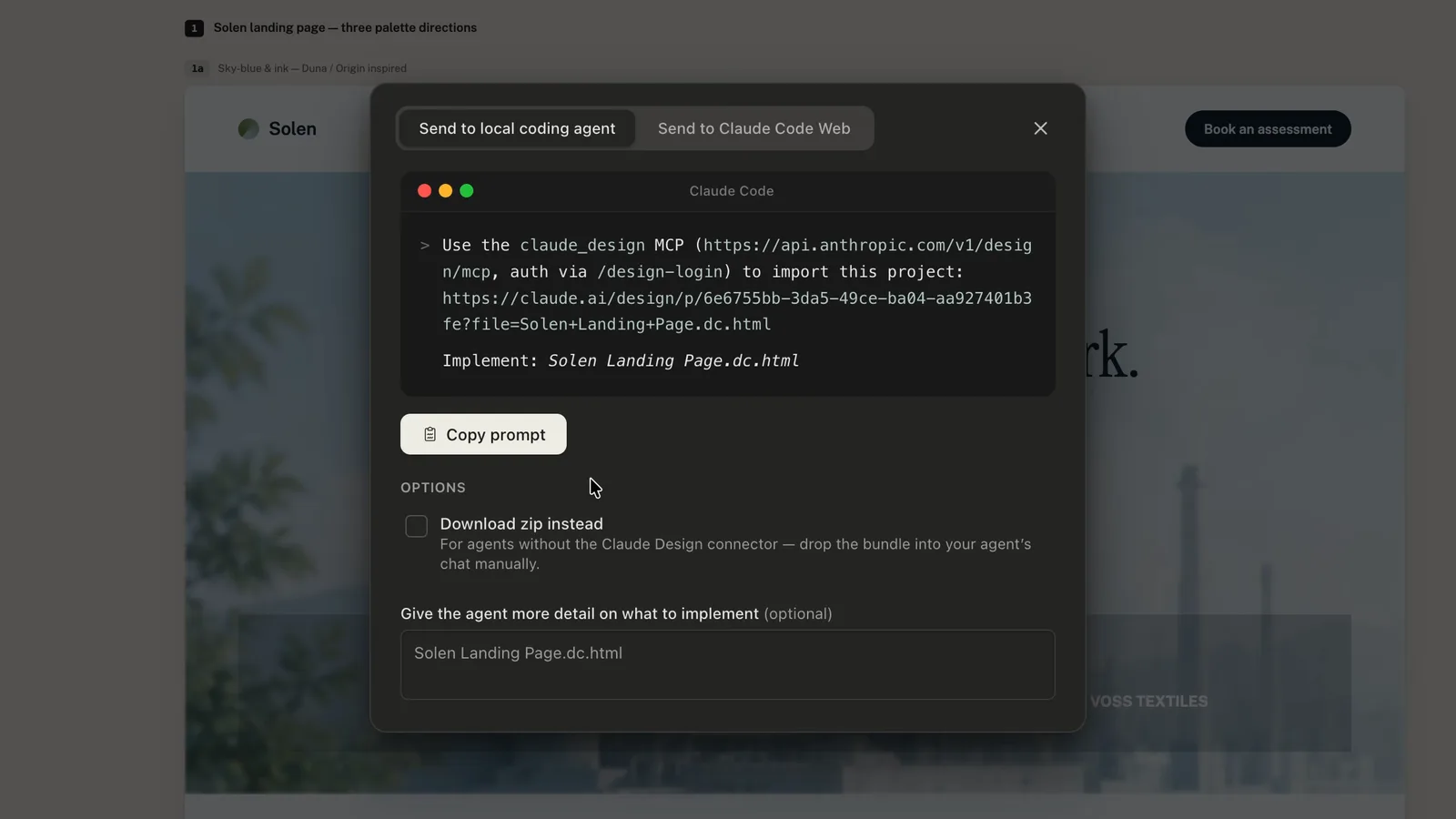
- Step 5: Share a link, export a ZIP, PDF, PPTX or standalone HTML, send it to Canva, Adobe, Miro, Gamma, Base44, Lovable, Replit, Vercel or Wix, or hand the bundle to Claude Code to build it for real. There is no Figma export.
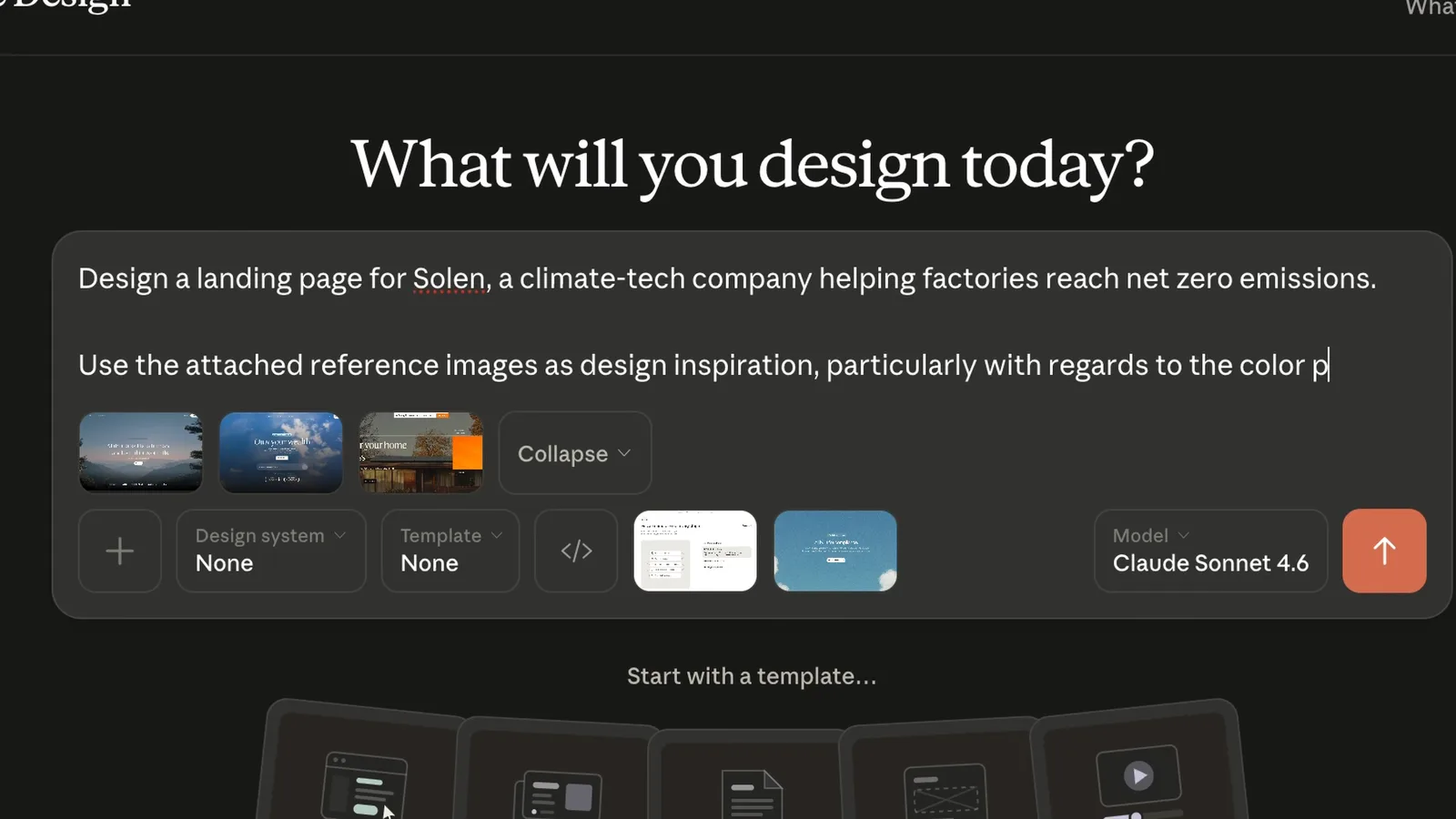
Start simple: describe one screen you have a clear picture of. Tell Claude what it's for, who it's for, and the key elements it needs. The more concrete you are about purpose and content, the better the first pass. Avoid vague adjectives like "clean" and "modern", they don't give Claude anything real to work toward.
Once you have a first version, treat the rest like a design review: react to what you see, ask for specific changes, and build up the screen section by section.
How do I get output that looks designed, not generated?
The single biggest quality lever is grounding. Give Claude real references and realistic content instead of asking it to invent from nothing. A simple "no lorem ipsum" constraint alone makes the result look dramatically more finished. Claude Design can also import your design system, from GitHub, from design files, or with the /design-sync command, so screens come out in your tokens and components instead of the defaults. If you want to go further, feed it real product references so it designs from evidence, which is exactly what tools like the Mobbin MCP enable: Mobbin MCP: 600,000+ Real References Inside Claude Code
And if you want the deeper prompting approach that gets consistently beautiful UI, this guide goes further: Claude Fable 5 for UI Design: Beautiful Output Every Time
The prompting approach that makes the biggest difference in output quality is broken down here: How to Prompt AI for Better UI Design
Claude Design vs Claude Code: which should a designer use?
They solve different jobs, and I use both. Claude Design is for getting to a visual quickly and refining it with people who do not write code. Claude Code is for building the real product in a real codebase.
The handoff is the part I like most. Once a direction is settled in Claude Design, the bundle goes to Claude Code and the build starts from the approved visual instead of a description of it. My setup for that side, including the Skills that raise the quality ceiling, is here: Claude Skills for Designers
Where it falls short
The beta shares usage limits with Claude chat, Claude Code and Cowork, and complex prototypes eat them quickly. The knobs are good for tuning, less good for structural changes; when the layout is wrong, describe the new structure rather than nudging sliders.
And it does not know your product. Without references and real content it defaults to the same competent, generic layouts every model produces. That is not a tool problem, it is a briefing problem, which is why the prompting rules below matter more than any feature.
FAQ
Anthropic's AI-native design experience: you describe interfaces in plain language and Claude builds real, editable UI you can iterate on with feedback.
Yes, it's one of the easiest ways in because there's very little tooling to learn. You direct with words and refine from there.
It helps, since design judgment is still yours, but you can start with almost none and learn by iterating. Claude handles the production.
Ground it: use realistic content and real references instead of vague adjectives. That's the biggest quality difference for beginners.
Claude Pro, Max, Team and Enterprise subscribers. It launched in April 2026 as a research preview from Anthropic Labs and is now in beta; Enterprise admins need to enable it.
Yes. It exports standalone HTML or a ZIP and can hand a bundle to Claude Code for development, alongside PDF and PPTX exports, shareable links, and direct sends to Canva, Adobe, Miro, Gamma, Base44, Lovable, Replit, Vercel and Wix. It does not export to Figma.