

Overview
If you design with Claude Code, you already know the failure mode. You type something like "make a clean, modern settings page," and you get a screen that is technically fine and completely generic. Flat cards, a stock toggle, spacing that feels off, the same layout every other prompt produces. The model is guessing at taste, because "clean and modern" is not a spec, it's a vibe.
The Mobbin MCP changes where the design starts. Instead of asking Claude to imagine a screen, you let it look at how real companies actually built that screen first, then design from evidence. I walked through the whole setup and workflow in the video above, and this post is the written version with the exact steps.
Short answer: if you build UI in Claude Code every week, the Mobbin MCP is worth a paid plan. It makes the agent research 621,500+ shipped screens before it designs, which raises the floor on every first pass. If you only design occasionally, the free library plus manual screenshots is enough.
What is Mobbin?
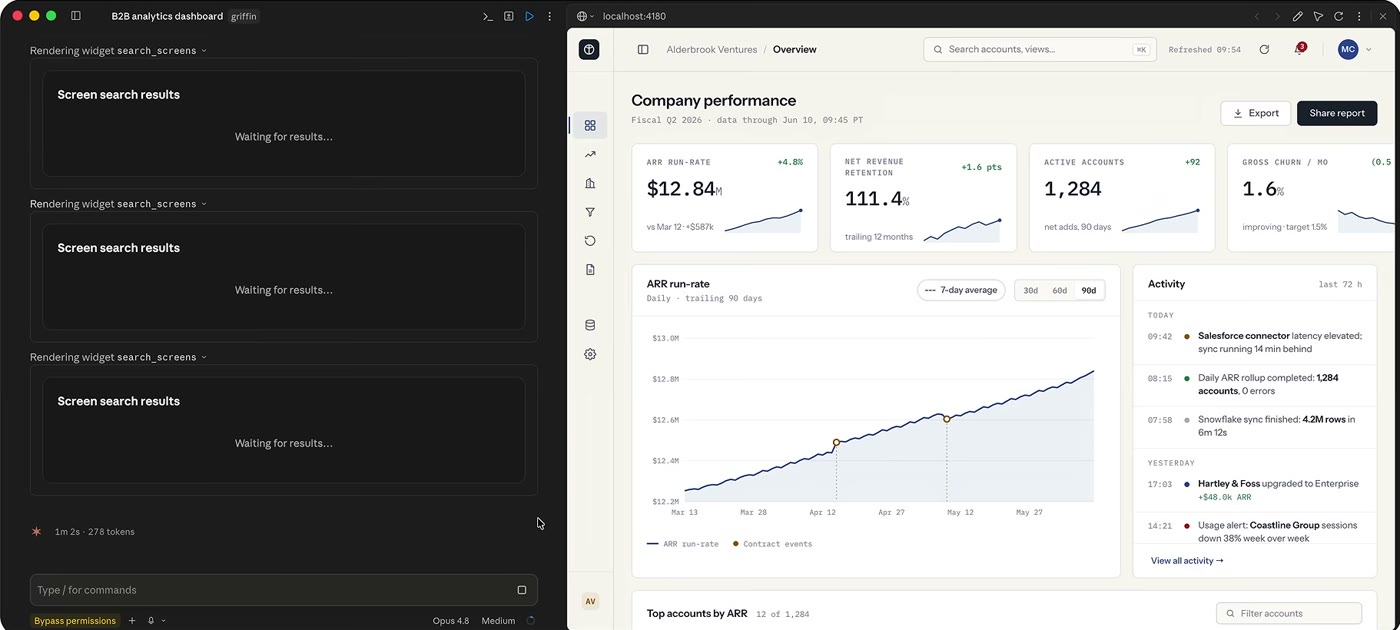
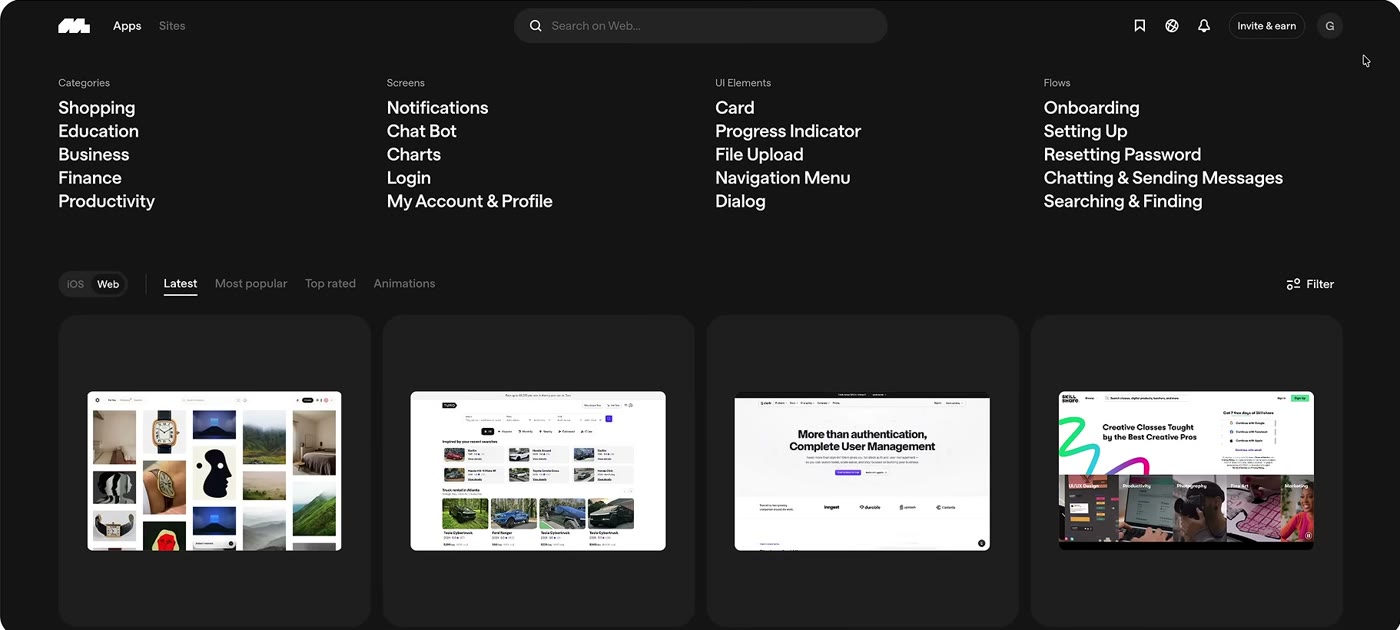
Mobbin is a design reference library. It's a searchable archive of real product UI, screenshots pulled from live iOS, Android and web apps, organized so you can study how shipping teams solve interface problems. Designers have used it for years as inspiration: you want to design a paywall, you look at forty real paywalls from apps people actually pay for, and you notice the patterns.
The catalog is huge, more than 621,500 screens across thousands of apps, and it's kept current, so you're looking at how products look now, not a Dribbble shot from 2019 that never shipped. That last part matters. Dribbble shows you what looks good in a portfolio. Mobbin shows you what real teams put in front of real users.
What is the Mobbin MCP?
MCP stands for Model Context Protocol. It's the standard that lets an AI agent like Claude Code reach outside its own training and use live tools and data. An MCP server is just a connector: it hands the model a set of actions it can call on your behalf.
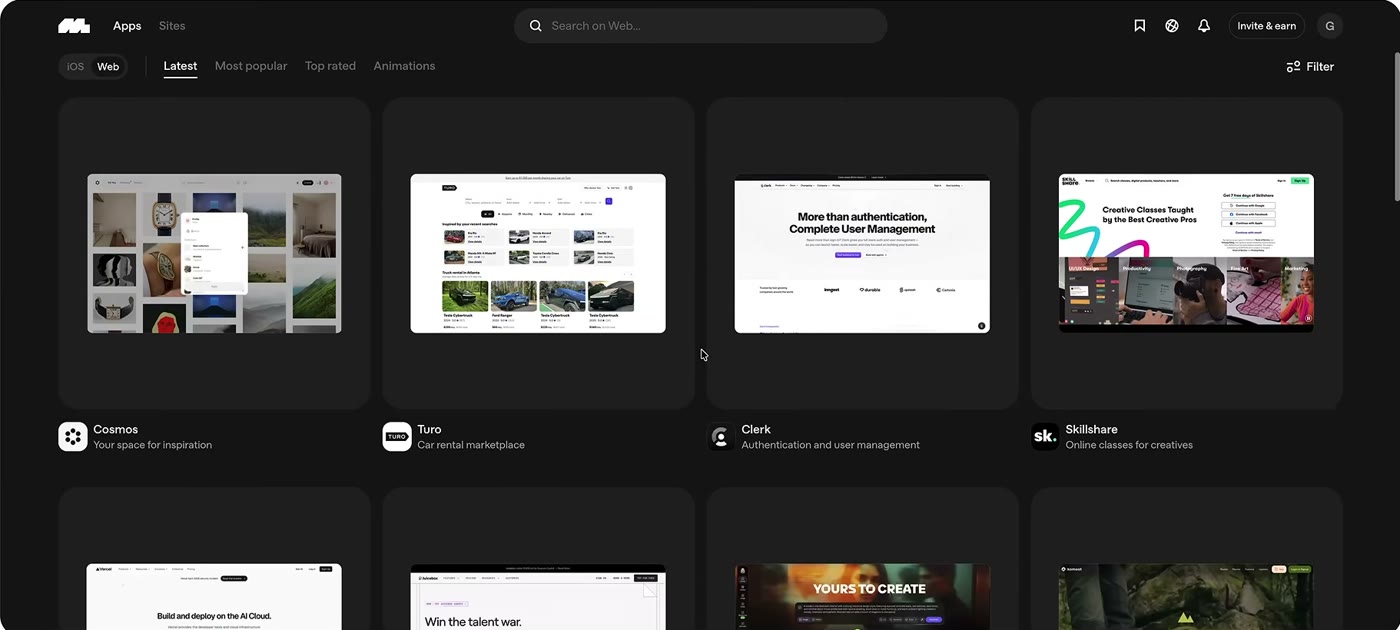
The Mobbin MCP gives Claude Code direct access to that 621,500-screen library. Once it's connected, Claude gets tools for searching screens, flows and sections. So instead of browsing Mobbin in your browser, screenshotting a few references and pasting them into a prompt, you just describe what you're building and the agent pulls the relevant real-world examples itself, then designs against them. No screenshots, no tab-switching, no copy-paste.
The shift is subtle but big. The reference step stops being something you do manually before you prompt. It becomes part of what the agent does automatically while it works.
Why reference-first design beats prompting from taste words
Here's the core problem the Mobbin MCP solves. When you prompt an AI model with adjectives, "minimal," "premium," "friendly," you're asking it to average everything it has ever seen that was tagged with those words. Averages are generic by definition. That's why so much AI UI has the same slightly-off, seen-it-before quality.
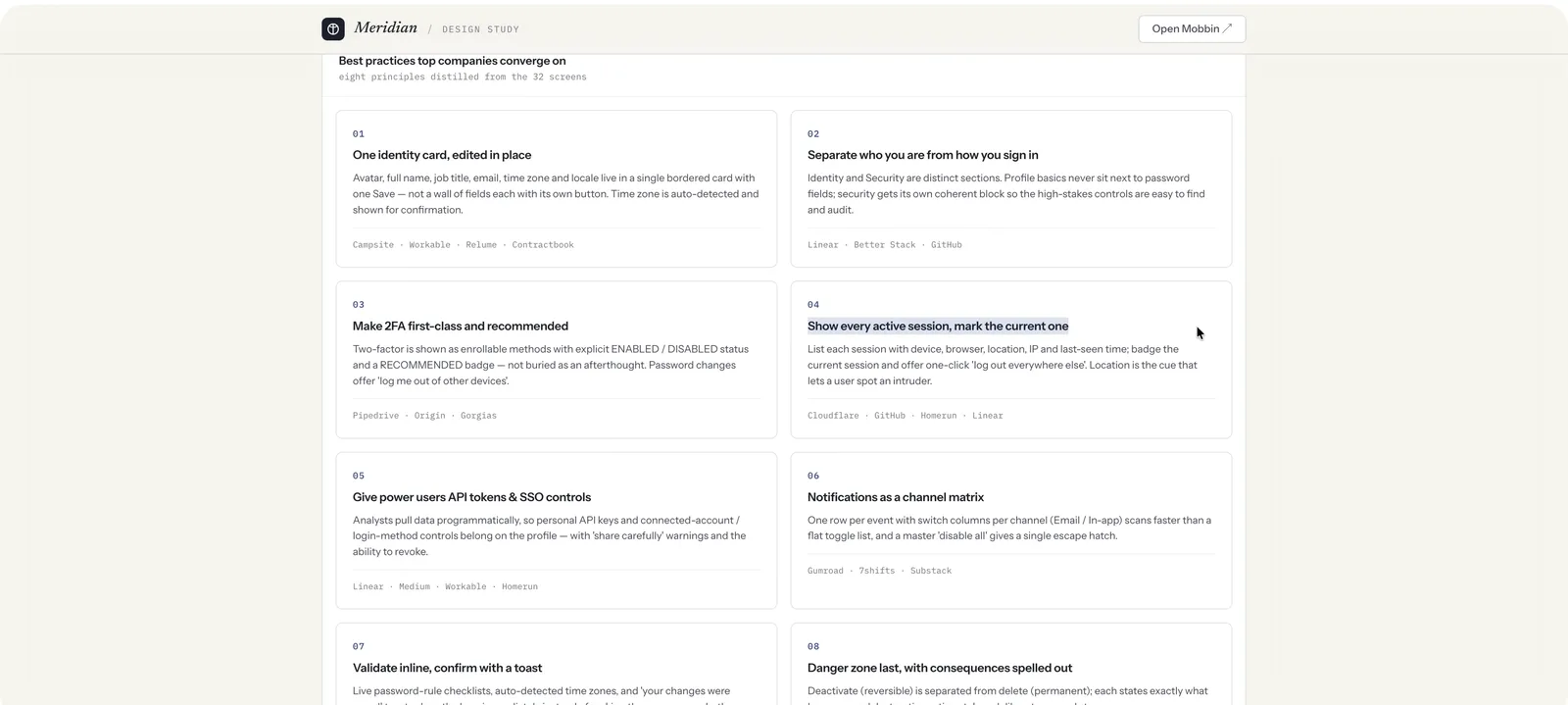
Reference-first design flips the order. The agent searches real shipped screens for the exact pattern you need, summarizes what those products actually do, and then builds from that evidence. A settings page designed after studying twenty real settings pages is grounded in decisions real teams made and tested. A settings page designed from the word "clean" is grounded in nothing.
As a designer, this is also just good practice encoded into the tool. You were supposed to research references before designing anyway. The MCP makes the agent do it every time, instead of skipping straight to output.
How to set up the Mobbin MCP in Claude Code
Setup takes about two minutes:
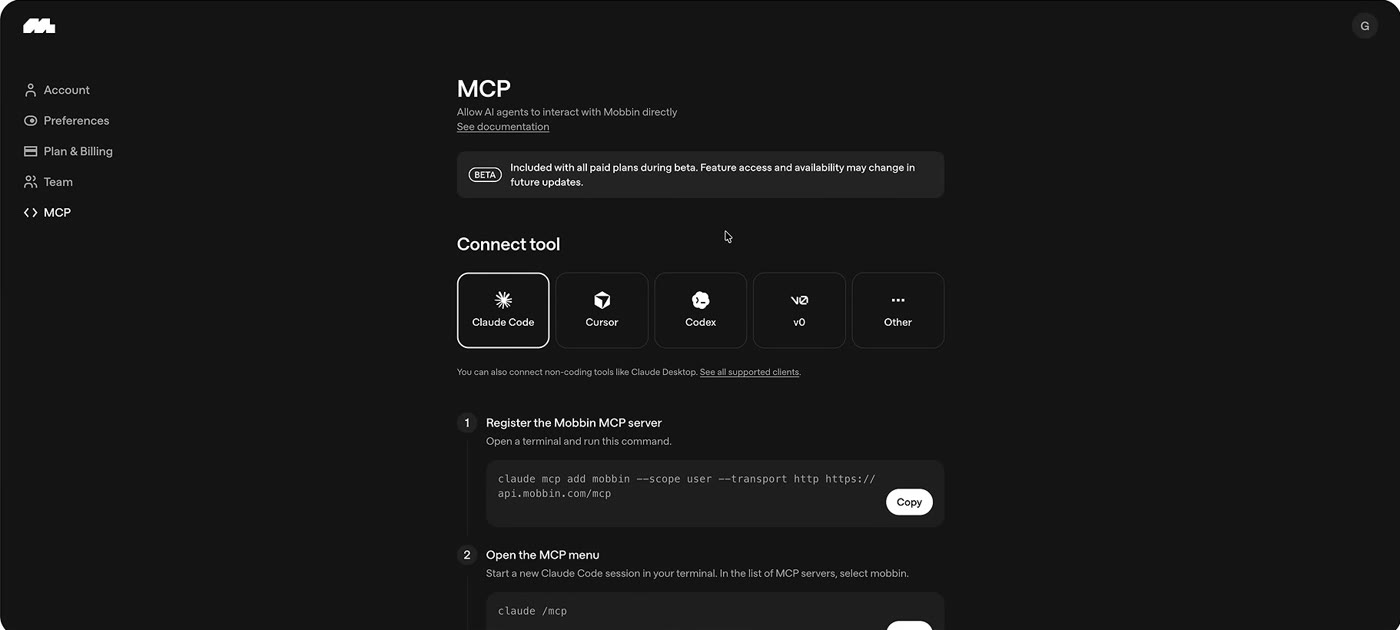
- Step 1: Copy the add-MCP command from Mobbin's setup page and run it in your terminal.
- Step 2: Start a new Claude Code session so it picks up the new server.
- Step 3: List your MCP servers, select mobbin, and sign in with your Mobbin account when the browser window opens. Approve it once and you are connected.
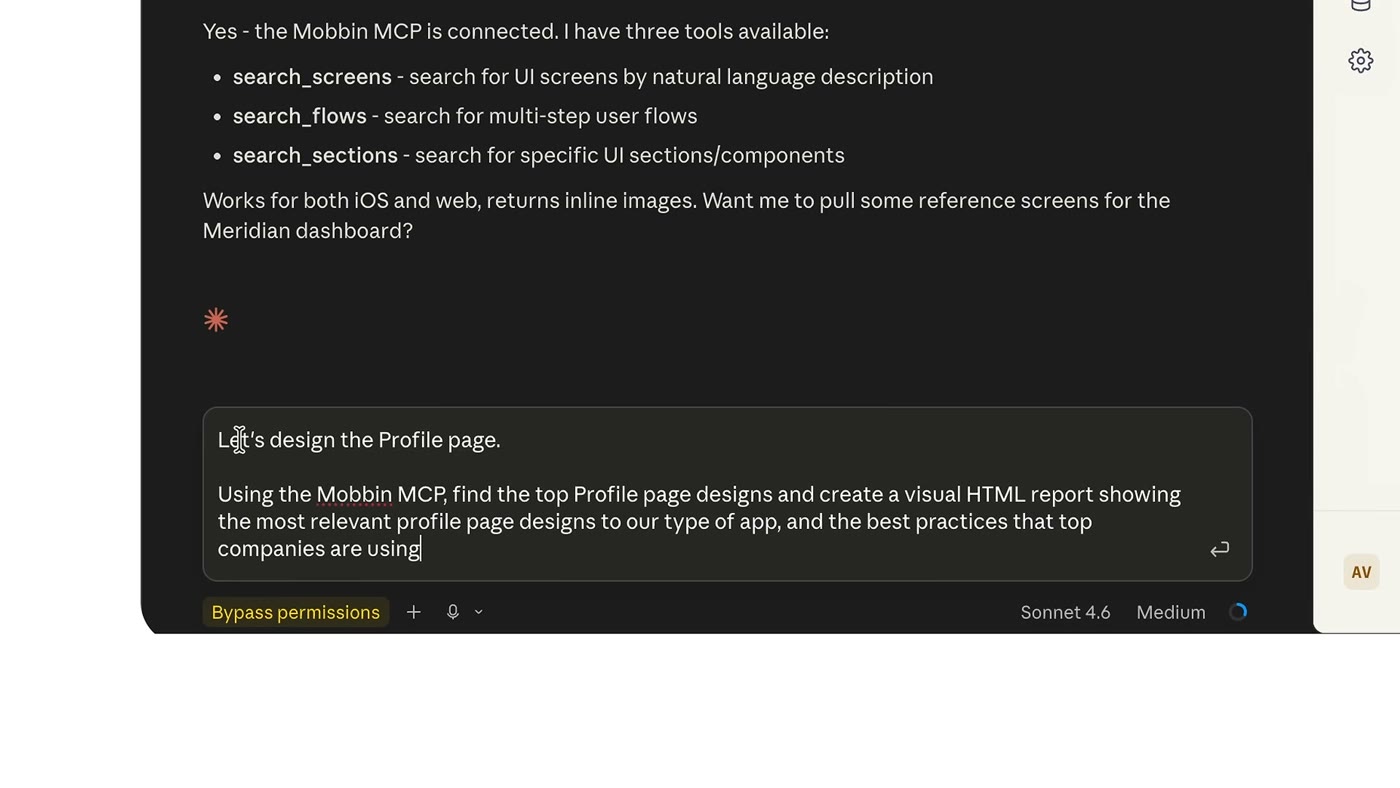
From then on, you just prompt normally. When your request touches UI, Claude can call the Mobbin tools on its own to go find references before it designs. You'll see it search, pull screens, and describe the patterns it found, then build with that context in hand.
One thing to know going in: the MCP is a paid feature. It's included on all of Mobbin's paid plans, not the free tier, with unlimited usage during the beta (Mobbin says it may require AI credits later). You can find the current setup details here:  Mobbin
Plan availability checked August 2026; check Mobbin's pricing page for current tiers.
A real workflow: designing from evidence
Say you're building an onboarding flow. Old way: you prompt Claude, it invents three screens, you feel like something's missing, you go to Mobbin in your browser, look at how Duolingo and Notion and Linear handle onboarding, screenshot a few, paste them back in, and re-prompt. Four context switches before you get something good.
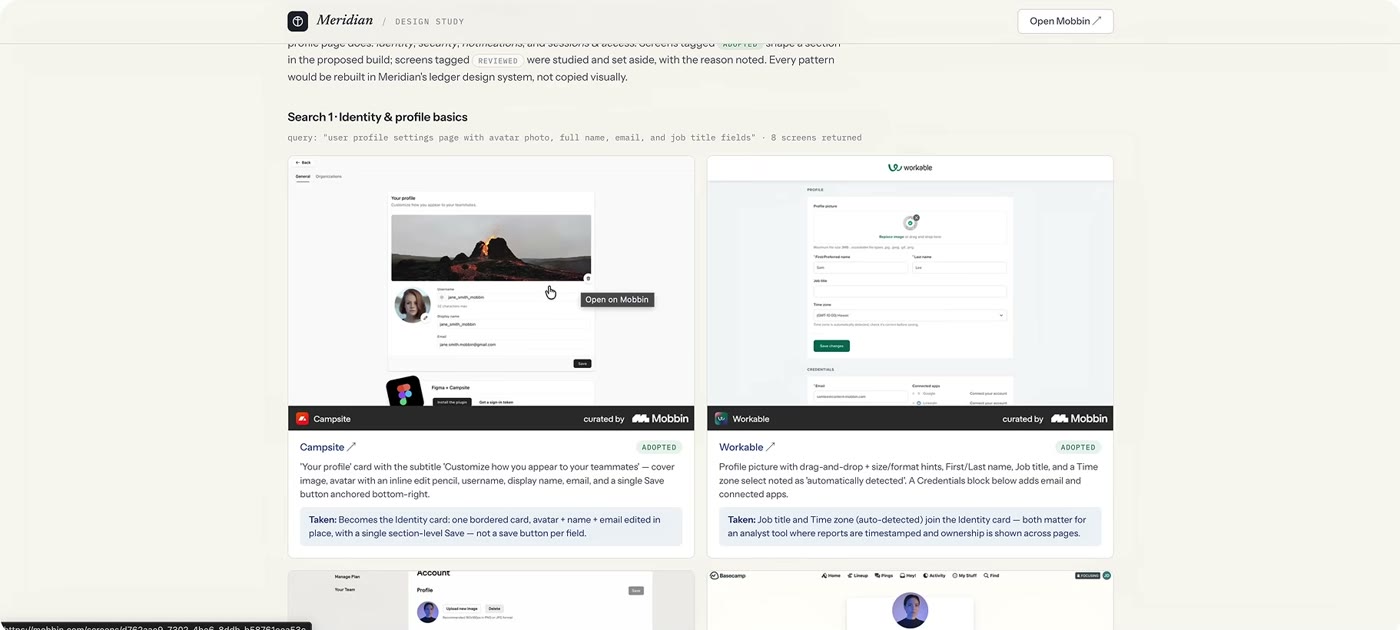
With the MCP, you tell Claude what you're onboarding users into and ask it to reference real products first. It searches onboarding flows across shipping apps, summarizes the shared structure, welcome, permission priming, a quick win, then progressive setup, and builds your flow on that skeleton. The first pass is already grounded, so your iterations are about your product instead of fixing generic scaffolding.
The same loop works for anything: paywalls, empty states, dashboards, settings, profile screens, checkout, toasts and dialogs. Wherever there's an established pattern, the agent can go learn it before it draws it.
What you can search: screens, flows and sections
The MCP exposes three levels of reference, and knowing them helps you prompt well. Screens are individual UI states, one paywall, one settings page, one empty state. Flows are sequences, the full sign-up or checkout journey across multiple screens, which is where you learn ordering and pacing. Sections are the building blocks, a navigation bar, a pricing table, a comment thread, pulled out so you can compare how dozens of apps solve one component.
In practice you mix all three. You might have Claude pull a flow to get the overall shape, then drill into sections for the parts that matter most, then reference specific screens for polish. It's the same way a good designer researches, just running inside the agent.
Is the Mobbin MCP worth it?
If you're regularly designing or building UI with Claude Code, yes. The value isn't that it saves you a few screenshots. It's that it raises the floor on every first pass, so you spend your time refining real decisions instead of dragging generic output toward something usable.
If you only touch design occasionally, the honest answer is that the free Mobbin library plus manual references may be enough. The MCP earns its keep when the reference-then-design loop is something you're doing every day, because then automating it compounds. For me, working with AI agents on interface work constantly, having the reference step happen automatically is the difference between the agent guessing and the agent knowing.
If you want to try it, you can find the current paid plans and setup here: Mobbin
FAQ
Yes. The MCP is included on all paid plans, with unlimited usage during the beta. The browsing library has a free tier, but the agent integration is a paid feature. You can see the current plans here: Mobbin
Yes. Mobbin's setup docs now cover Claude Code, Claude Desktop, Cursor, Codex and v0, and any MCP-compatible agent can connect to it. This post and video focus on Claude Code because that's where I do most of my building. If you work in Codex, my setup guide is here: How to Use Codex as a Designer
No. It gives the agent references to learn patterns from, the same way you'd study real products before designing. You're getting grounded structure and proven patterns, not a pixel-for-pixel clone.
More than 621,500 real, shipped screens across iOS, Android and web, kept current so you're referencing how products look today.
Where the Mobbin MCP fits
The Mobbin MCP is the rare integration that changes the quality of the output, not just the speed. It closes the gap between "AI made me a screen" and "AI made me a screen grounded in how real products actually work." If you build interfaces with Claude Code, it belongs in your setup.
Set it up and start designing from real references: Mobbin
AI Design Tools for Designers (2026): The Complete Guide
Claude Fable 5 for UI Design: Beautiful Output Every Time
How to Use Cursor as a Designer
Mobbin is my top pick, but it's one of several MCP servers worth running; I compared the best ones here: The Best MCP Servers for Designers (2026)
Mobbin is where I start, but it is one of five reference sites I give agents, each for a different stage: Stop Letting AI Design From Scratch: 5 UI Reference Sites