
Overview
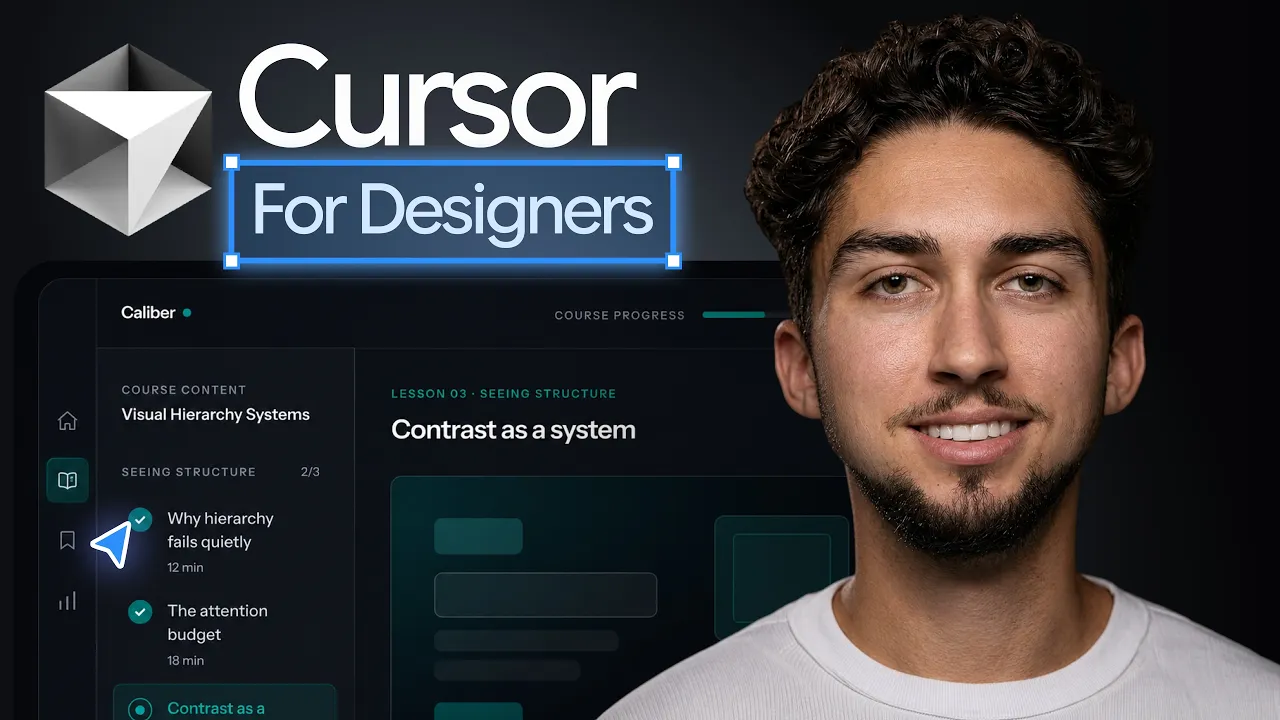
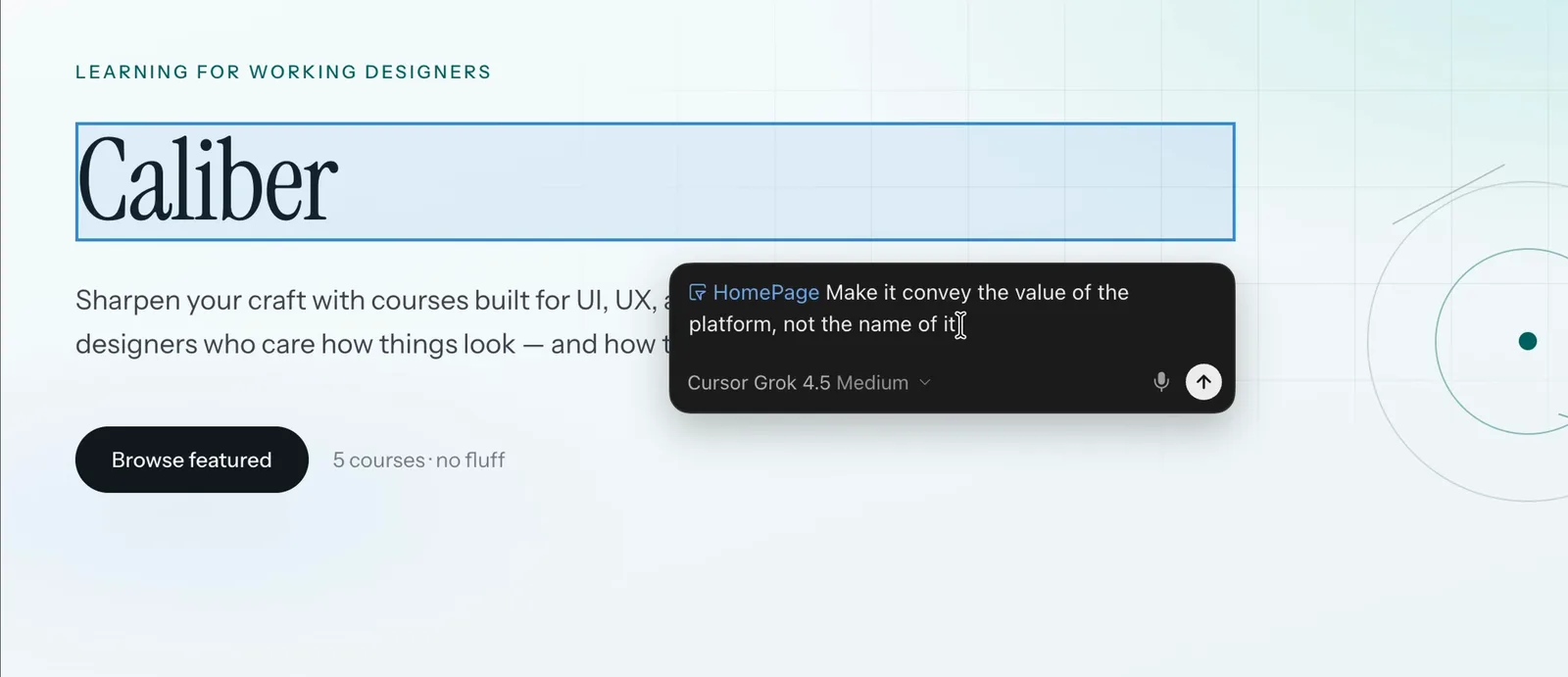
If a terminal-based agent feels intimidating, Cursor is the friendlier on-ramp. It looks like a normal editor, but the AI is built into everything: you can select an element, describe a change, and watch it happen, or hand the agent a whole task and review the result. For designers who want more visibility and control than a pure chat interface gives, it's a great fit.
This is the written companion to my full walkthrough. The video shows the workflow live if you'd rather watch.
What is Cursor?
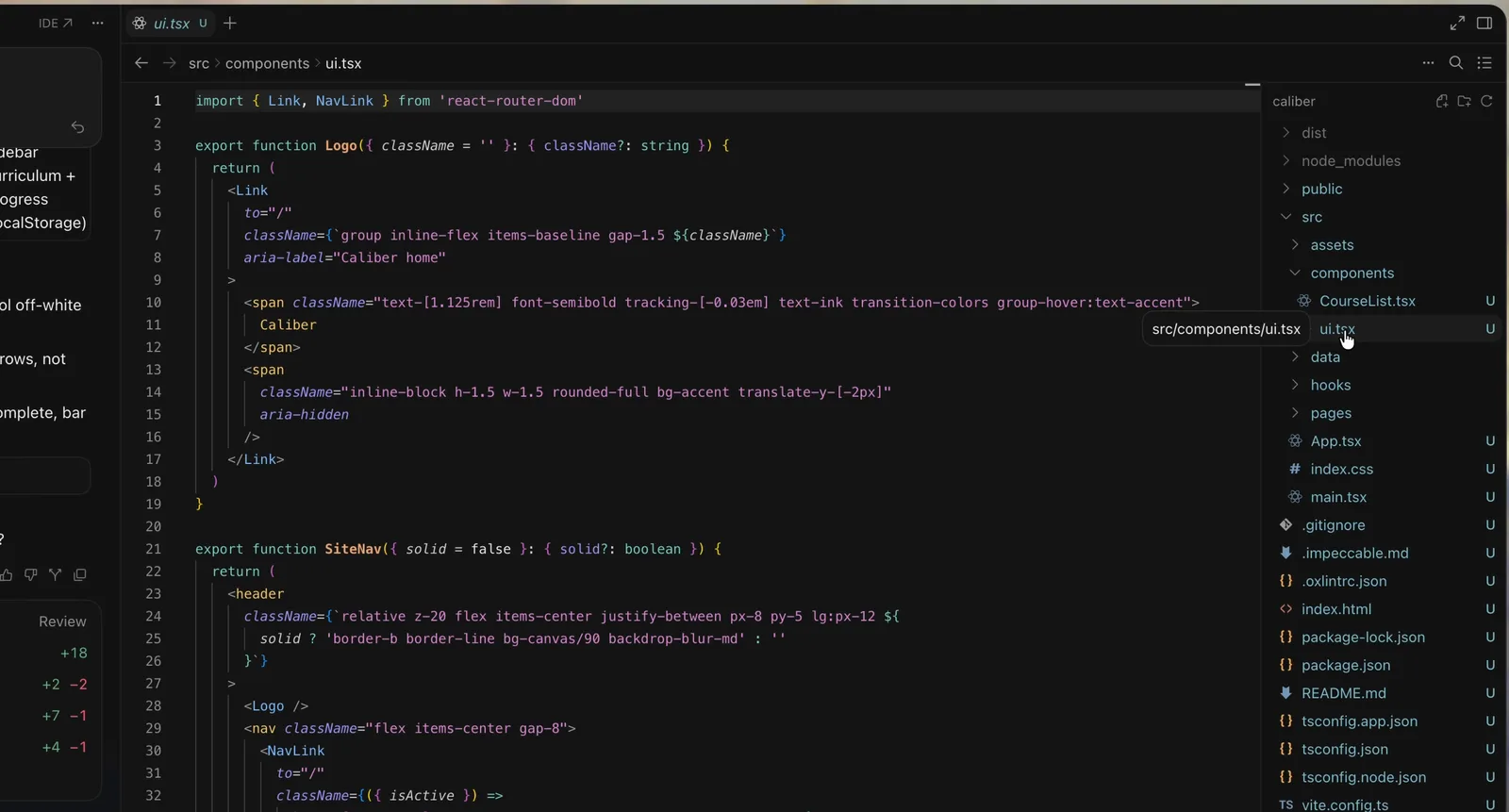
Cursor is an AI-native code editor built on the foundation of VS Code, so it feels familiar if you've ever opened one. What makes it different is that the AI is everywhere: an inline edit command for targeted changes, a chat that can see your whole project, and an agent that can carry out multi-step tasks across files. You're always looking at the actual code and the running result, which gives designers a strong sense of control.
Like Codex and Claude Code, it builds real software from natural language. The distinction is that Cursor keeps you in a visual editor rather than a terminal, which many designers find easier to learn.
Two 2026 releases matter for designers. Cursor 3 (April 2, 2026) added a unified agents window: local and cloud agents in one sidebar, running in parallel, with an integrated browser for previewing local sites. Cursor 3.7 (June 5) added Design Mode, where you shift-click to multi-select elements, talk to the agent through a persistent mic, and queue the next edit while the current one runs. Design Mode is the part designers should try first.
Cursor vs Claude Code for designers
Claude Code runs in the terminal and is fantastic when you want to describe something and let it run. Cursor keeps you closer to the work: you see every file, every change, and can make small manual tweaks between AI edits. That visibility is the main reason a designer might prefer it.
In practice, Cursor is a great place to start and to do precise, hands-on editing, while a terminal agent shines for larger hands-off builds. Both belong in an AI-native designer's toolkit, which I break down in the full guide: AI Design Tools for Designers (2026): The Complete Guide
How to get good UI out of Cursor
Reference-first design still wins. Give Cursor something concrete to work from, a screenshot, a described layout, your design tokens, real content, rather than asking for "something clean." The more specific your direction, the less generic the output.
Use the right tool for the job inside Cursor: inline edits for small, surgical changes, chat for reasoning about the whole screen, and the agent for building something new end to end. Review constantly in the preview and give feedback the way you'd critique a design, pointed and visual.
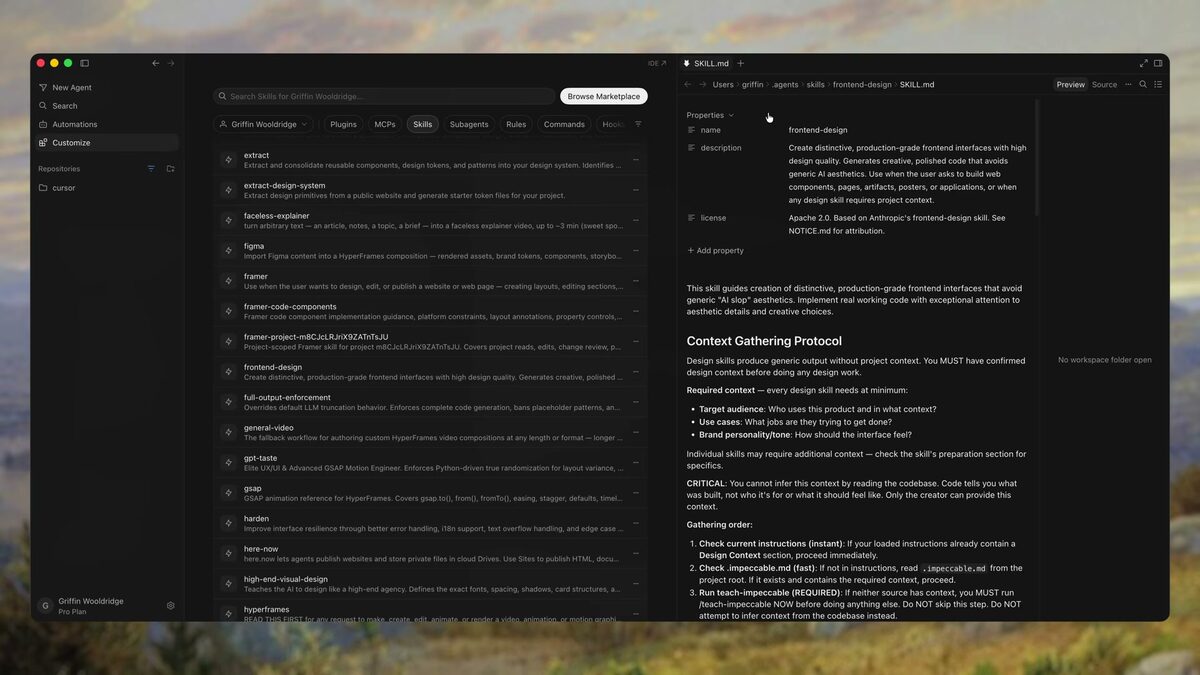
The biggest upgrade for Cursor's output is an AGENTS.md with your design system in it: How to Write an AGENTS.md File for Design Projects
See also going from a Figma design to code: How to Turn a Figma Design into Code with AI
FAQ
Yes. It's one of the most approachable entry points because you can describe changes in plain English and watch them happen, while still seeing the real result. You'll pick up enough to steer it as you go.
Cursor keeps you in a visual editor with more control and is easier to start with; Claude Code is a terminal agent that's great for larger hands-off builds. Many designers use both.
There is a free Hobby plan with limited completions and agent requests, and Pro is $20 a month (as of September 2026) with a usage-based credit pool for premium models. Start on Hobby to learn the workflow, then upgrade when you hit the limits.
Rebuild a screen you already know well, a settings page, a pricing section, from a reference. It teaches you the edit-and-review loop fast.