

Overview
For a long time, "designers who code" meant designers who could hand-write HTML and CSS. That bar is gone. With Codex, you describe the screen you want and the agent builds it, runs it, and fixes it, while you steer with feedback. You stay in the designer's seat, making decisions about hierarchy, spacing, and flow, and hand off the mechanical work.
This post is the written version of my full walkthrough. If you'd rather watch, the video covers the same ground with live examples.
What is Codex?
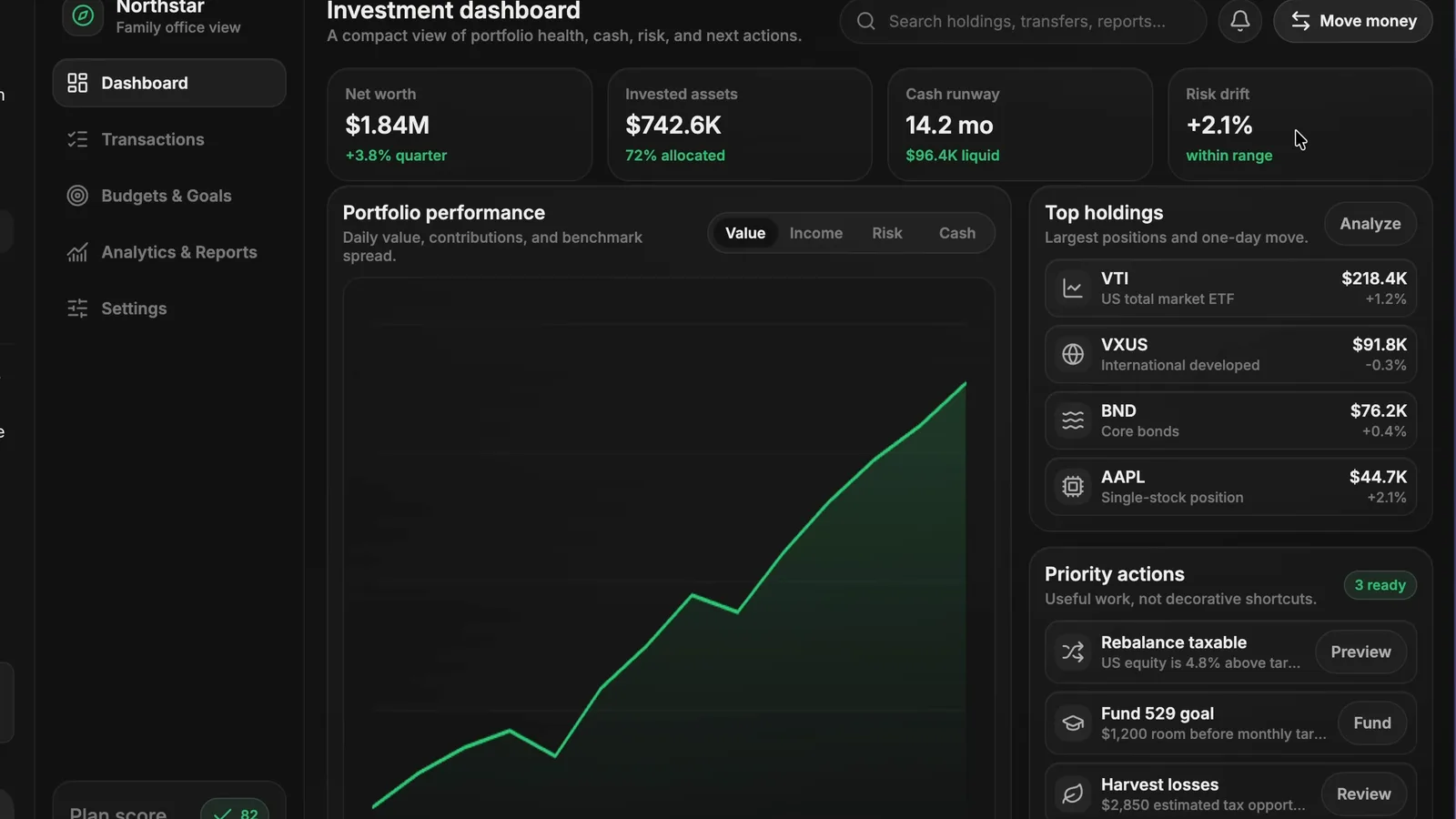
Codex is OpenAI's coding agent. It runs in your terminal, your editor, and the cloud, and it can read a whole project, write and edit files, run commands, and check its own work. For a designer, the important part is that you don't need to know the syntax. You describe the interface in the same language you'd use in a design review, and Codex produces the real thing you can open in a browser.
It sits in the same category as Claude Code: an agent that builds software from natural language. The difference is mostly ecosystem and feel, which is worth understanding if you're choosing between them.
Codex also has something Claude Code does not: a native image model. With GPT-6 Astra and Images 2.0 it can generate the photography for a landing page as part of the same build. I tested that on a full travel-app site here: I Tested GPT-6 Astra for Web Design (with Images 2.0)
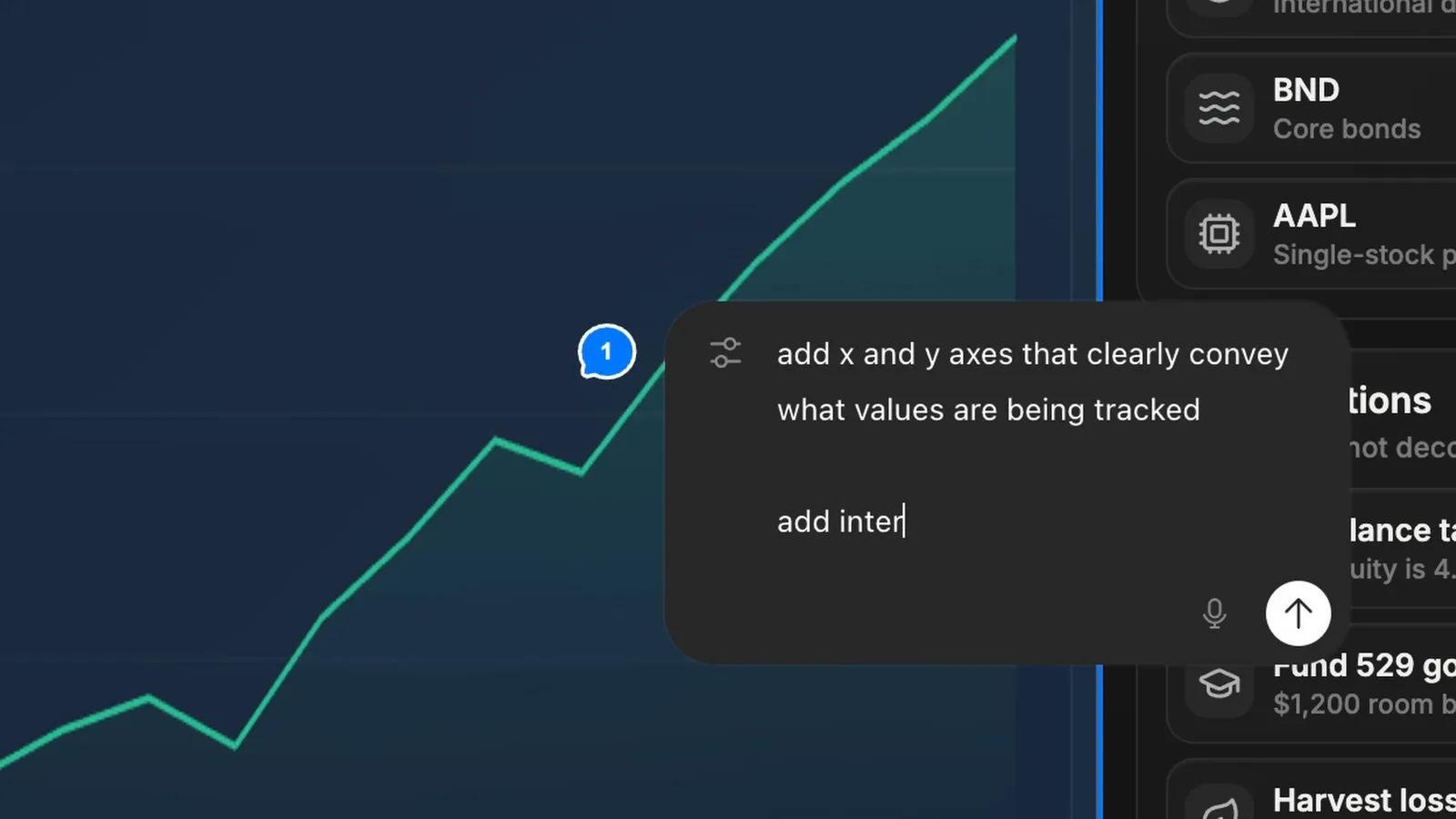
The Codex desktop app (updated April 16, 2026) is where most of this lives now: it generates images with gpt-image-1.5 for mockups and page assets, and previews the page in an in-app browser where you comment on elements directly and the agent follows the note. GPT-6 Astra has been rolling out as Codex's model since September 3, 2026.
Codex vs Claude Code for designers
I use both. Claude Code tends to have a strong eye for polished, finished-looking UI out of the box, which is why it's my default for pure visual work. Codex is exceptional at reasoning through a whole codebase, staying consistent across a larger project, and grinding through multi-step tasks without losing the thread.
For a designer, a simple rule works: reach for Claude Code when the job is mostly look and feel, and reach for Codex when the job is bigger, more logic-heavy, or spread across many files. Neither is strictly better. Knowing both means you pick the right one per task instead of forcing one tool to do everything. The full guide covers where each fits: AI Design Tools for Designers (2026): The Complete Guide
For where building sits in the wider shift, see the roadmap: How to Become an AI-Native Designer: A 2026 Roadmap
How to get good UI out of Codex
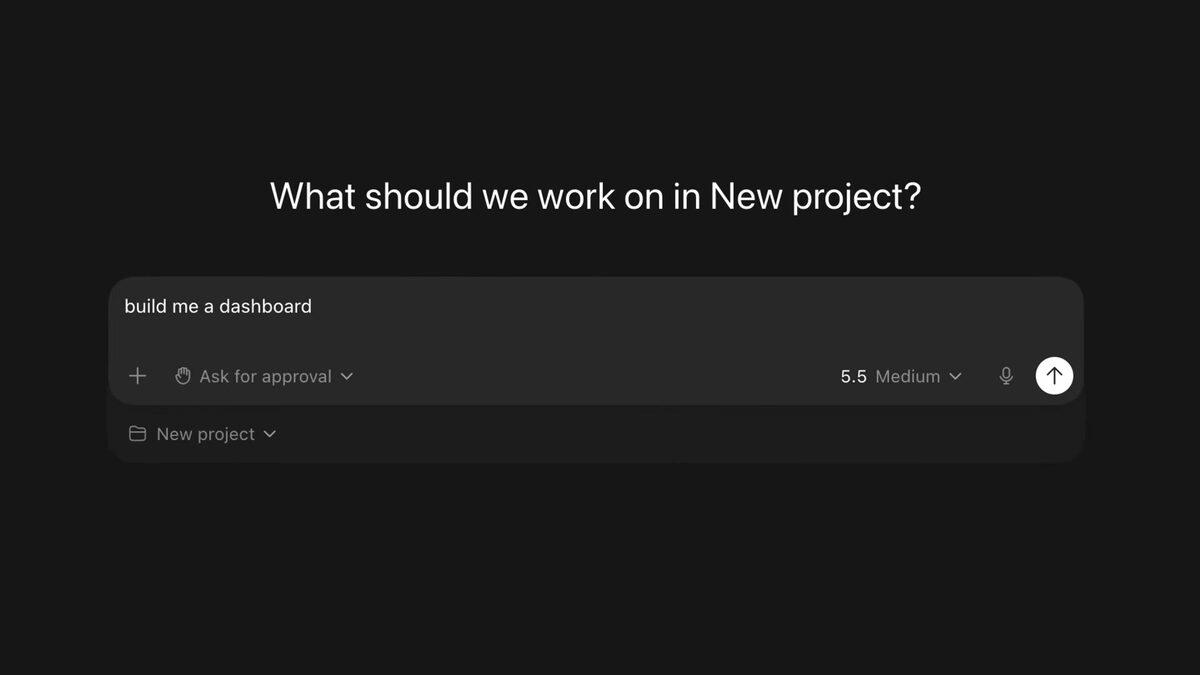
The same principle that works everywhere applies here: don't prompt from taste words. "Make it clean and modern" produces generic output because you've asked the model to average everything. Instead, give it something concrete to anchor to, a reference screen, a described layout, a real design system, or realistic content instead of lorem ipsum.
Be specific about structure and let Codex handle implementation. Describe the sections, the hierarchy, the states, and the interactions you want, then let it write the code. Review in the browser, give pointed feedback like a design crit, and iterate. The tighter your direction, the better the result.
A designer's workflow with Codex
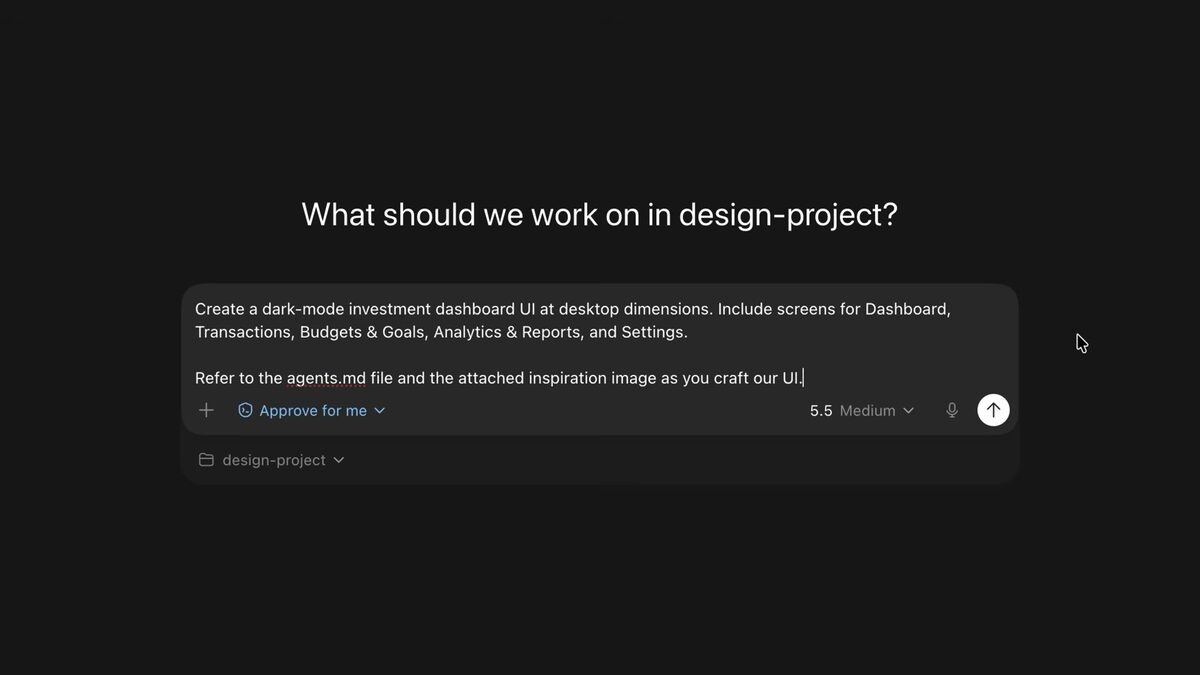
My loop looks like this. I start by telling Codex what I'm building and pointing it at references or an existing design system so it isn't guessing. I ask for a first pass of the real screen, open it, and react to what I see. Then I iterate section by section, treating each round like feedback on a junior's work: specific, visual, and about decisions rather than syntax.
The result is that I spend my time where design judgment matters, hierarchy, flow, and detail, and almost none of it fighting with code.
The biggest upgrade for Codex's output is giving it project context in an AGENTS.md file: How to Write an AGENTS.md File for Design Projects
And turning a design into clean code is its own skill: How to Turn a Figma Design into Code with AI
FAQ
No. You describe what you want in plain English and Codex writes and edits the code. Knowing the basics helps you steer it, but you can build real interfaces without writing much yourself.
Neither is strictly better. Claude Code tends to produce more polished UI out of the box; Codex is stronger on large, logic-heavy projects. Most designers benefit from using both and picking per task.
Real, working interfaces you can open in a browser: landing pages, prototypes, dashboards, full front-ends. It writes production code, not throwaway mockups.
Pick one small screen you'd normally mock up, describe it to Codex with a concrete reference, and iterate. Learning the feedback loop on something small is the fastest way in.